Sync Provider for Proton
Android 10+ · Targets Android 15 · Beta

Sync Provider for Proton

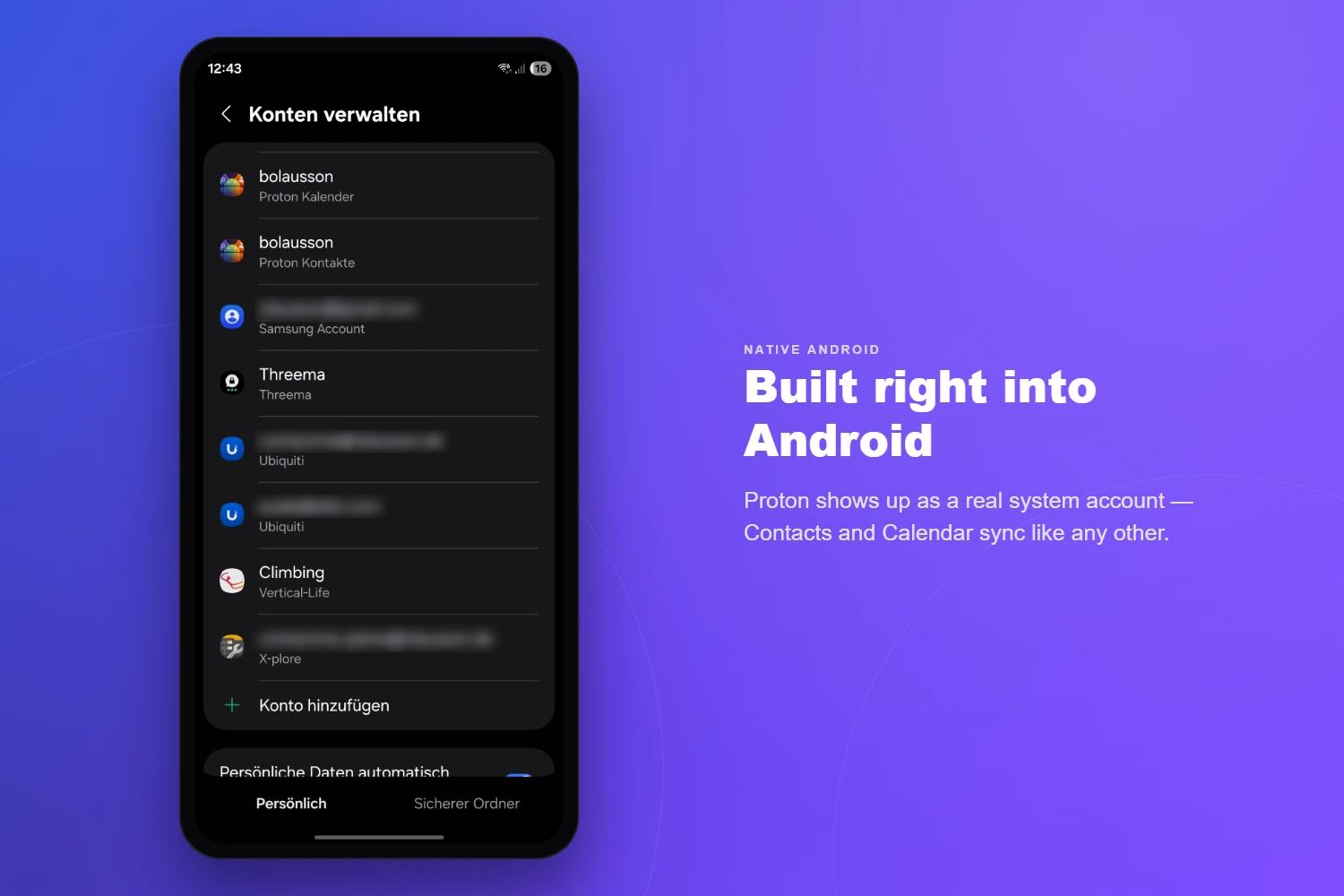
A native Android sync adapter that brings your Proton Contacts and Proton Calendar to every app on your phone — fully encrypted, fully offline-capable.

Beta End-to-end encrypted


What it does

Your Proton account, everywhere.

01 — Contacts

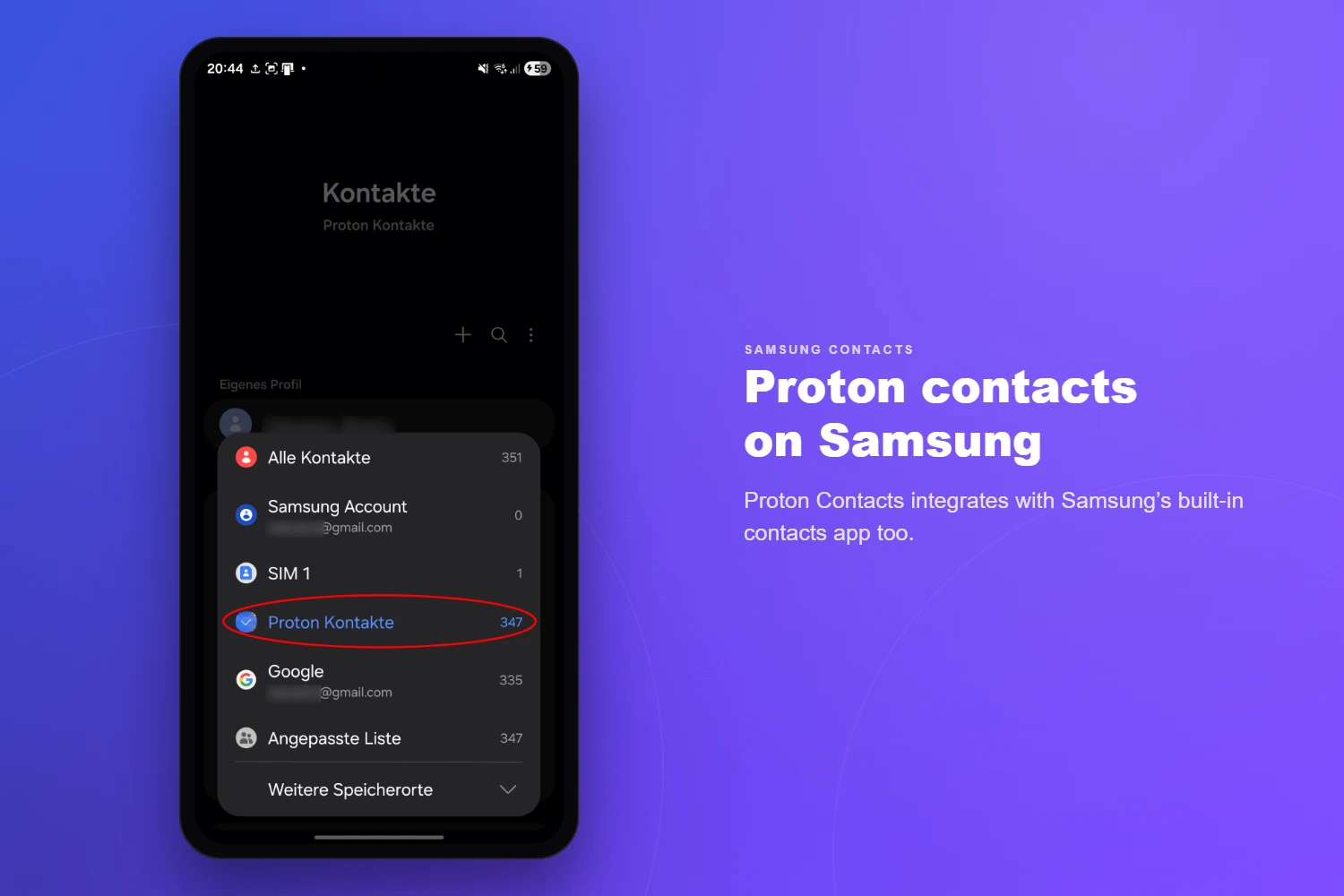
Contacts Sync

  • Full two-way sync with Proton Contacts
  • All fields: name, email, phone, address, photo, birthday…
  • Contact groups / labels
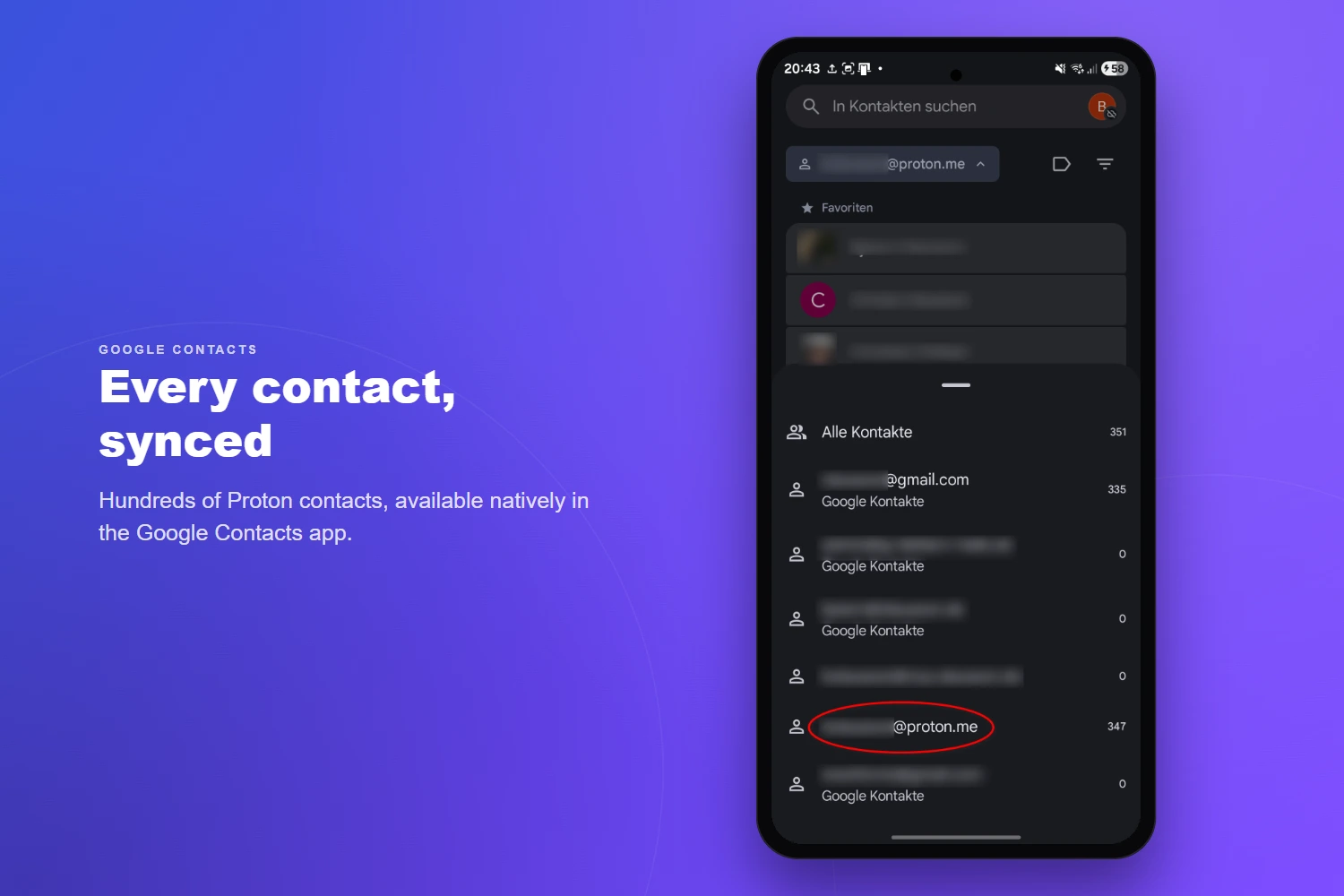
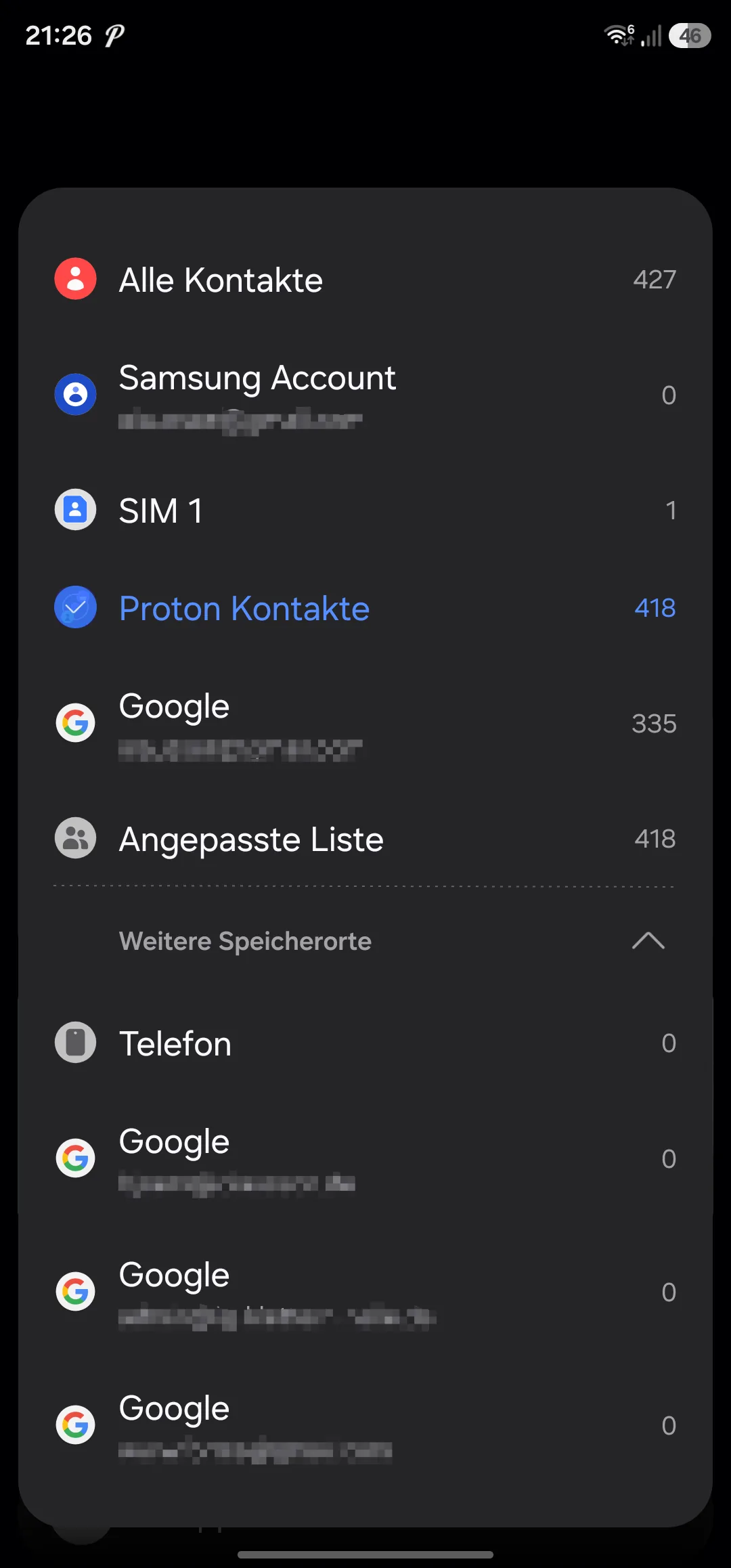
  • Works with Samsung Contacts & Google Contacts
  • Intelligent conflict detection with resolution UI
  • Incremental sync — only changed contacts are fetched
02 — Calendar

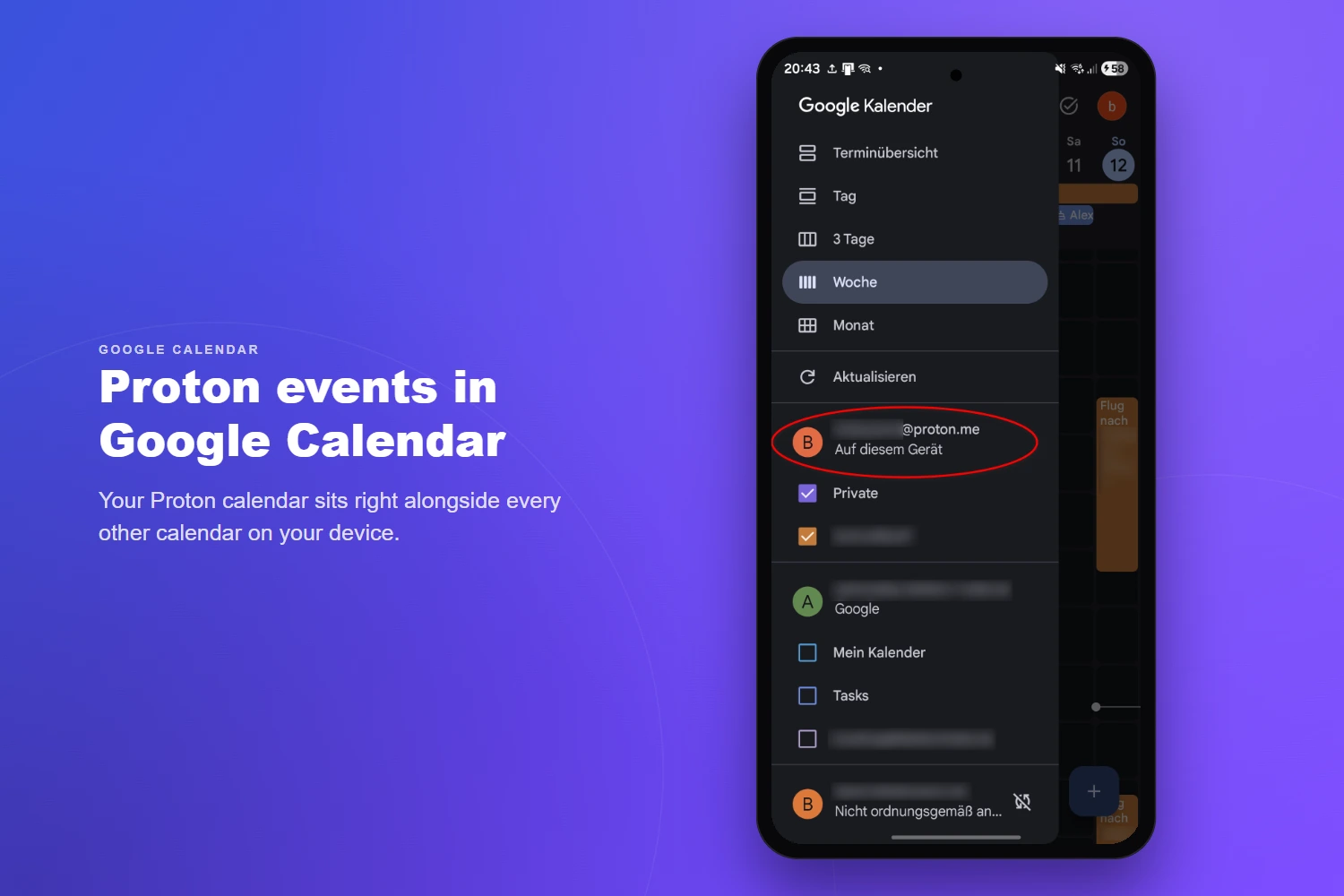
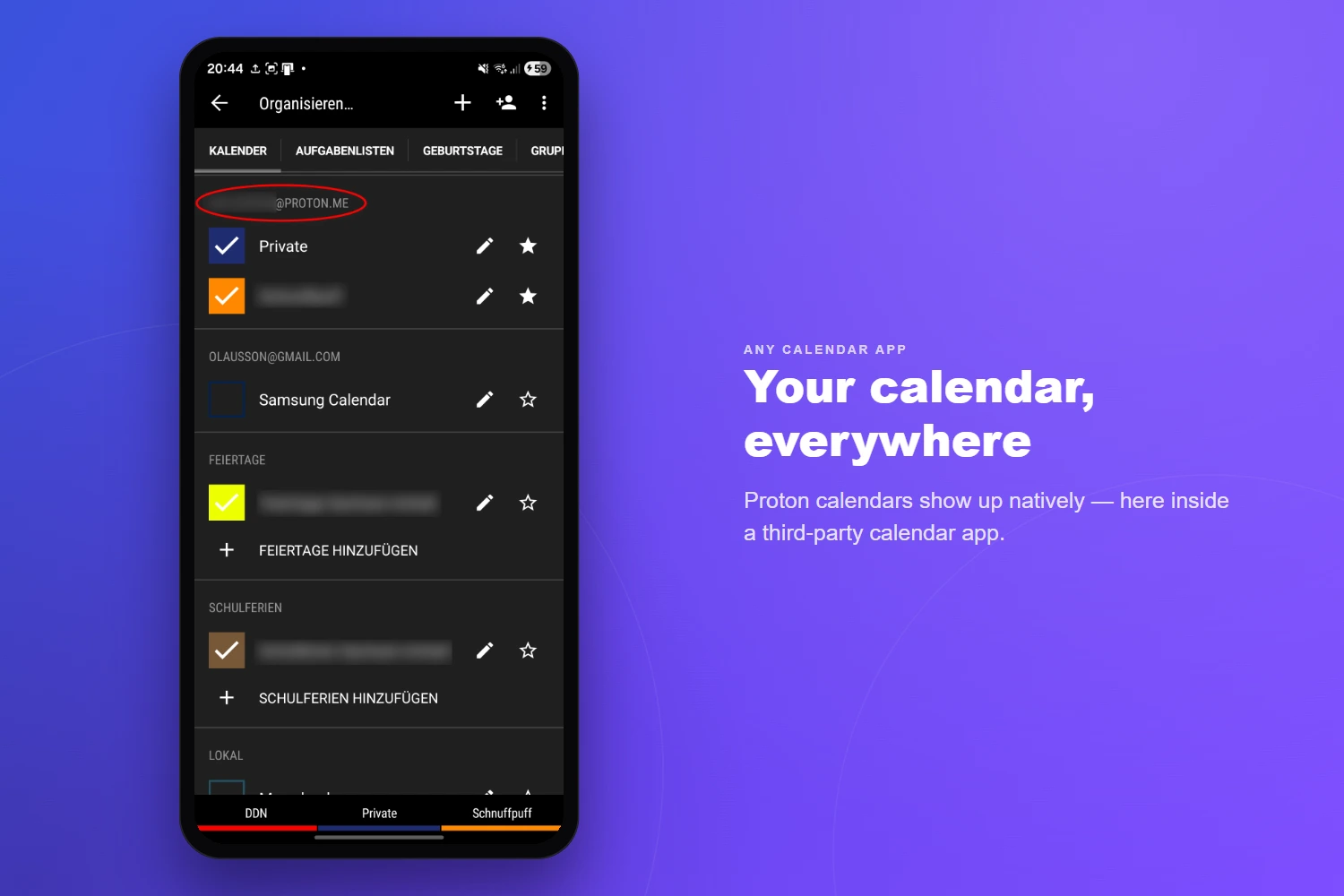
Calendar Sync

  • Full two-way sync with Proton Calendar
  • Events, all-day events, time zones, locations, descriptions
  • Full recurring event support (RRULE, RDATE, EXDATE)
  • Edit single occurrence, this-and-future, or entire series
  • Reminders / alarms mapped to Android notifications
  • Multiple calendar support with colors
03 — Invites

Attendees & Invitations

  • Attendee management with participation status
  • Send invitation, update, and cancellation emails
  • Poll attendee responses (accepted / declined / tentative)
  • Organizer details and roles
04 — Security

Security & Authentication

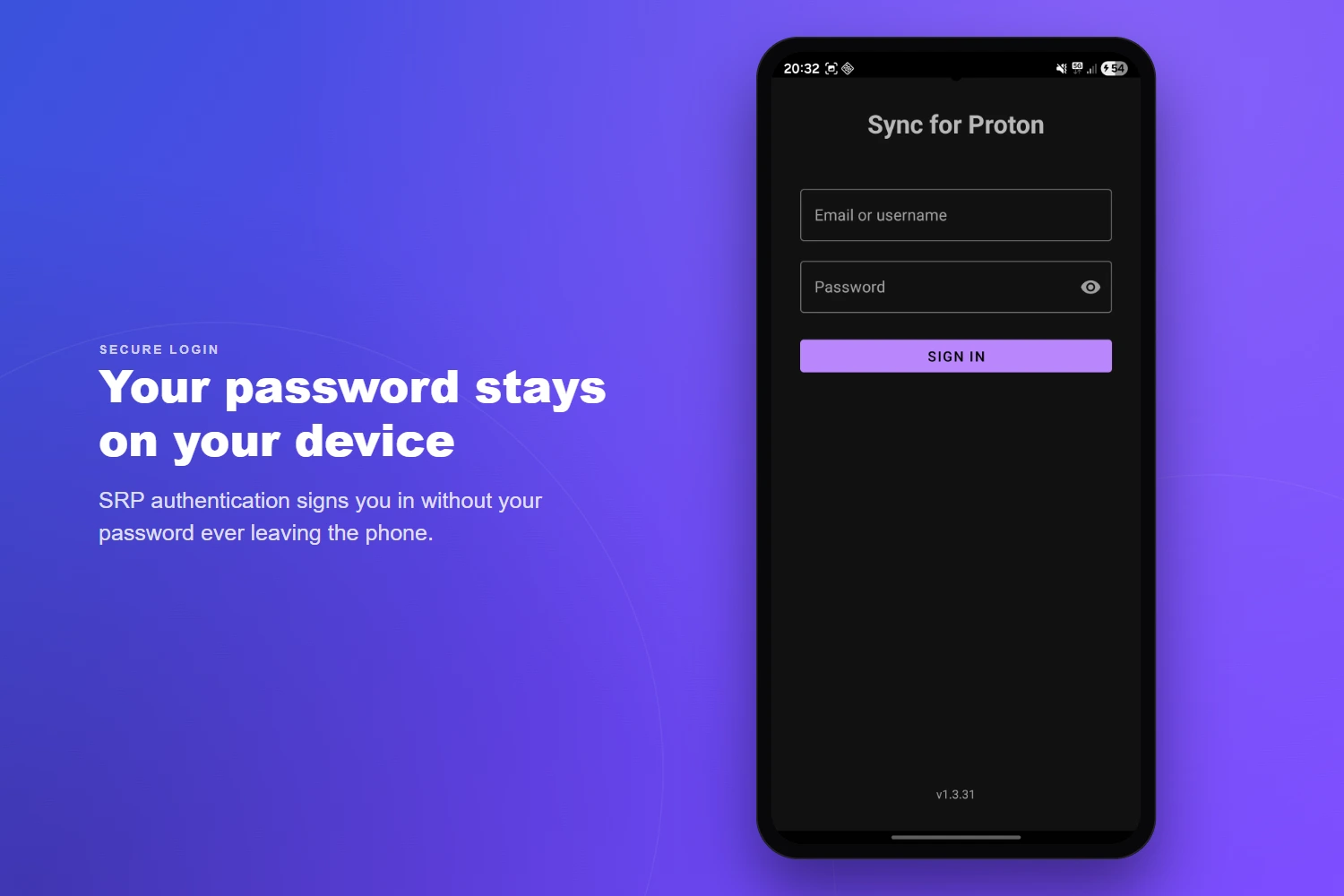
  • SRP 6a — password never transmitted in plaintext
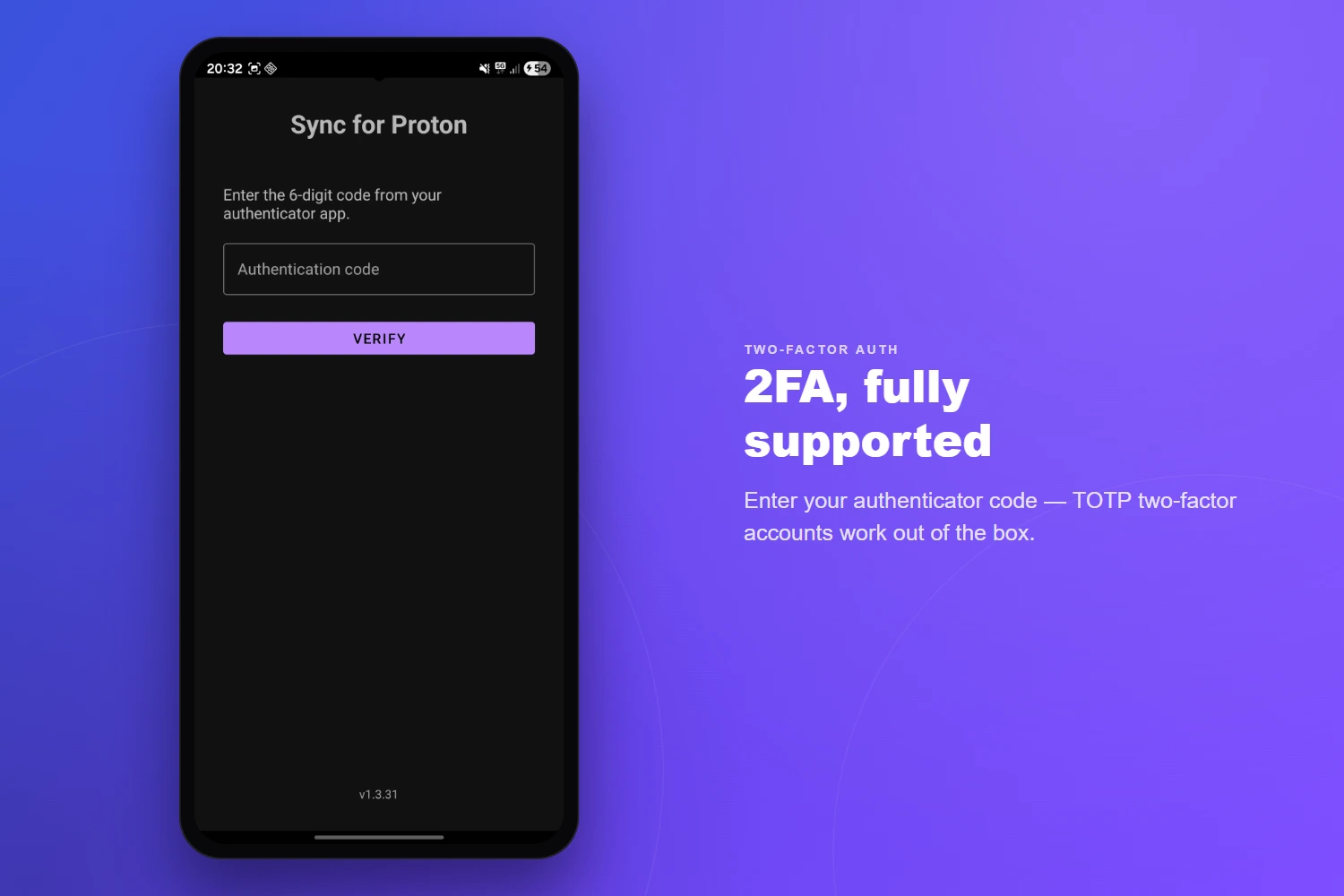
  • Two-factor authentication (TOTP)
  • Hardware-backed Keystore for credentials
  • AES-256-GCM encrypted local token storage
  • OpenPGP encryption for all contact & calendar data
  • No analytics, tracking, or third-party data sharing
05 — Scheduling

Sync Framework

  • Configurable intervals: 15 min, 30 min, 1 h, 4 h, or custom
  • Manual sync and full re-sync (Remote→Local / Local→Remote)
  • Lightweight event-loop poller between full syncs
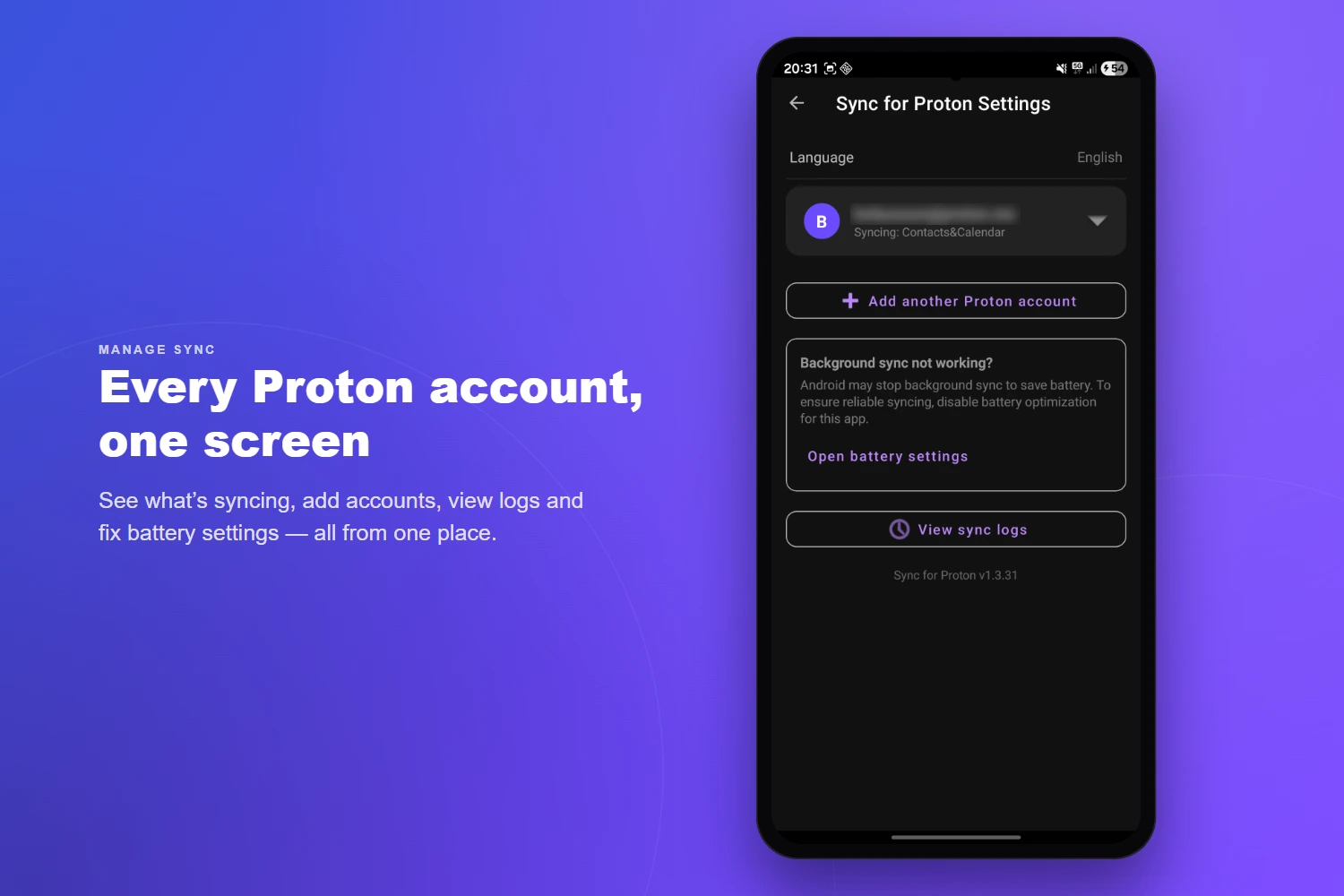
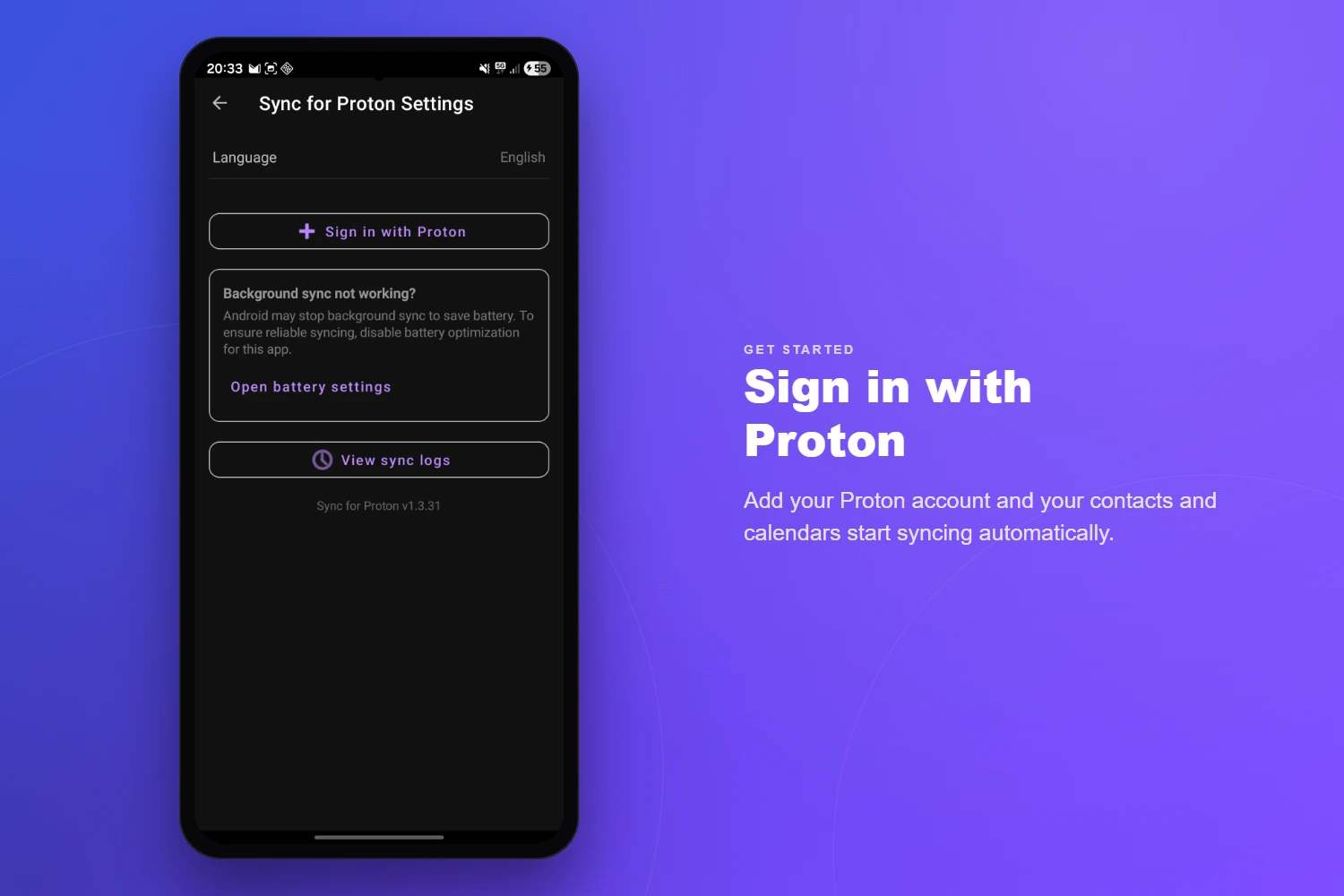
  • Background WorkManager with battery-optimization guidance
  • Separate intervals for contacts and calendar
06 — Accounts

Multi-Account

  • Multiple Proton accounts on one device
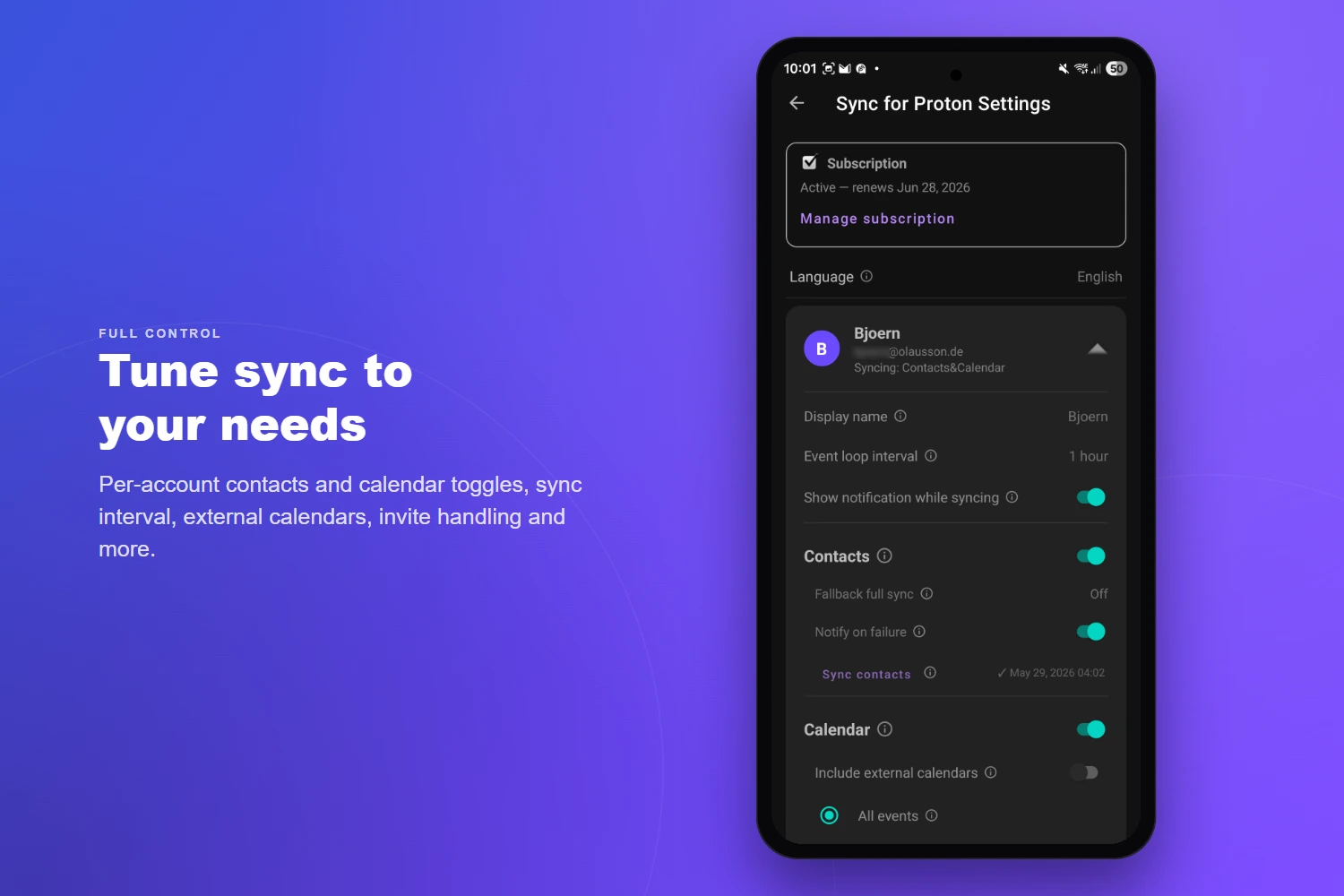
  • Per-account sync settings and intervals
  • Per-account enable/disable for contacts & calendar
  • Custom display names per account
  • Easy re-authentication and account removal
07 — Settings

Configuration

  • Card-based, collapsible per-account settings
  • Calendar sync timeframe (past & future days)
  • Exclude external / subscribed calendars
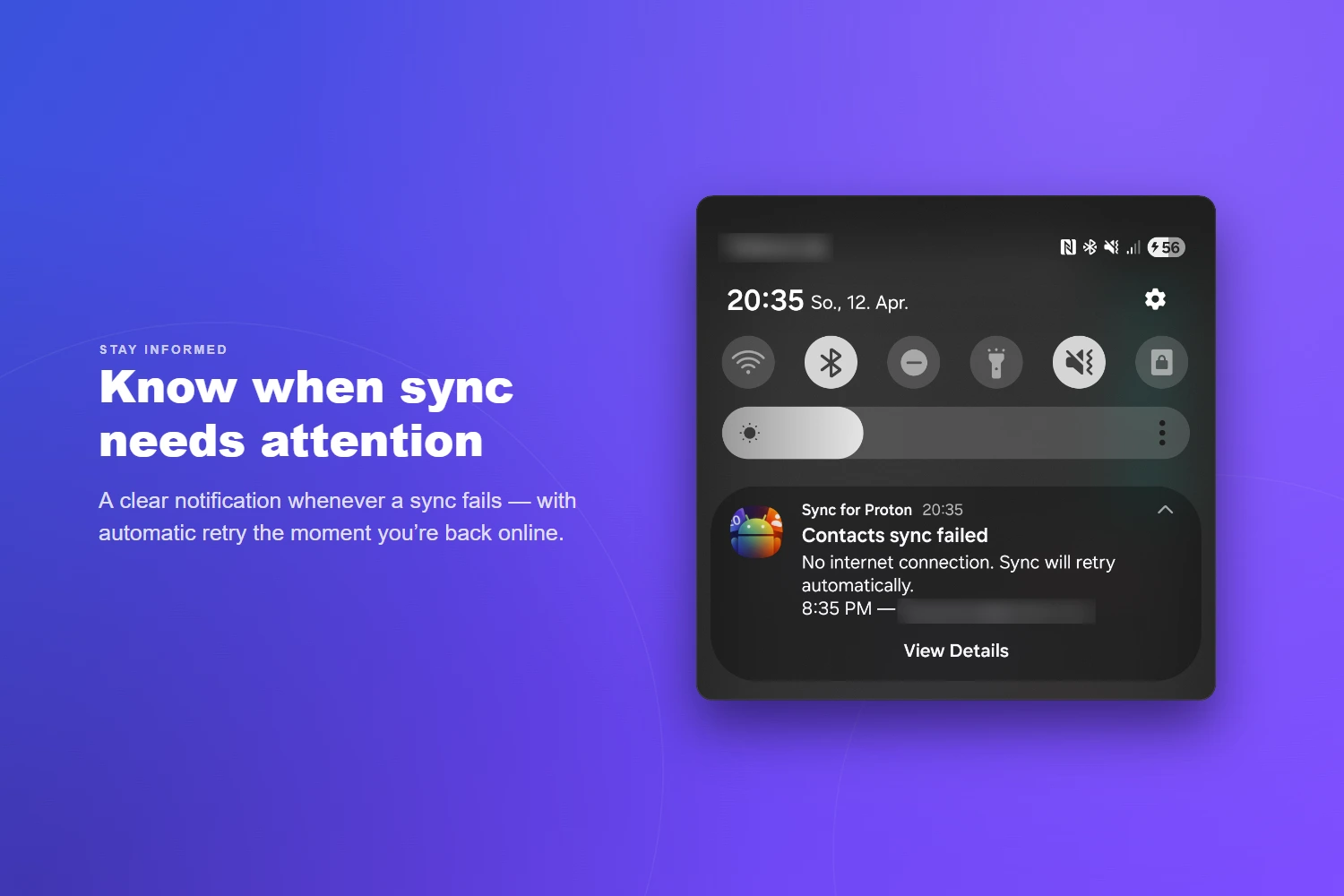
  • Notification-on-failure toggle
  • Backup & restore — export settings (and optionally accounts) to a password-encrypted file
  • Migrate to a new phone, or switch install source, without signing in again
  • 25 languages supported
08 — Diagnostics

Logging

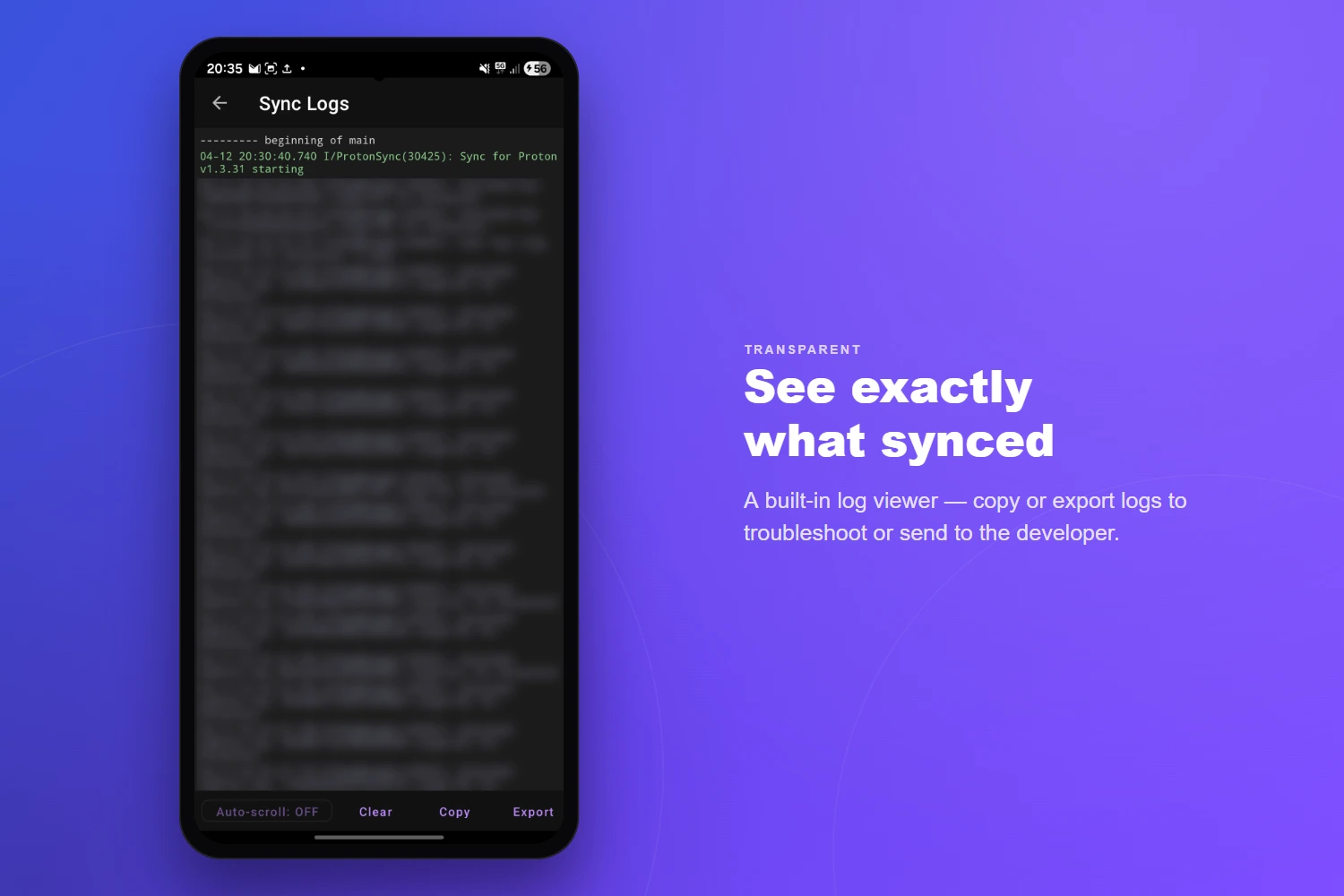
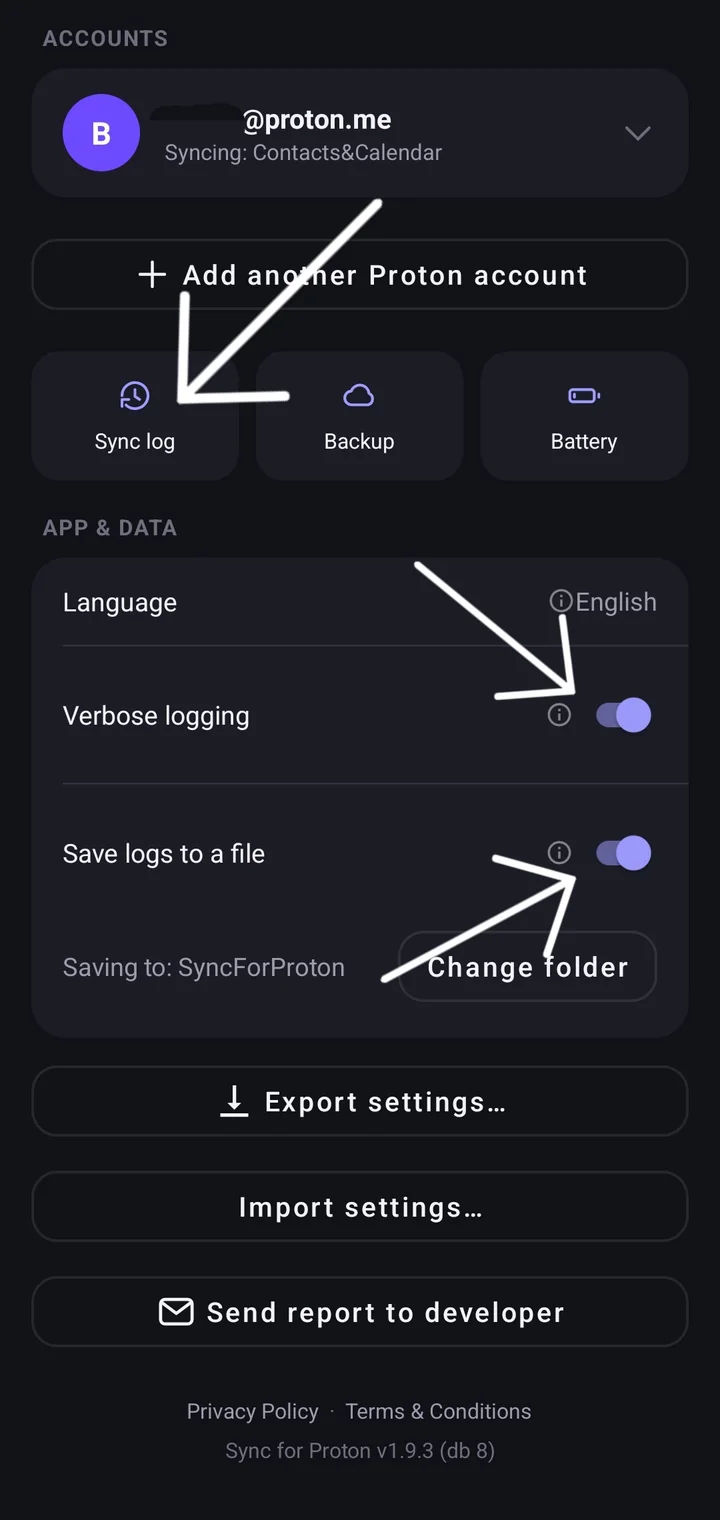
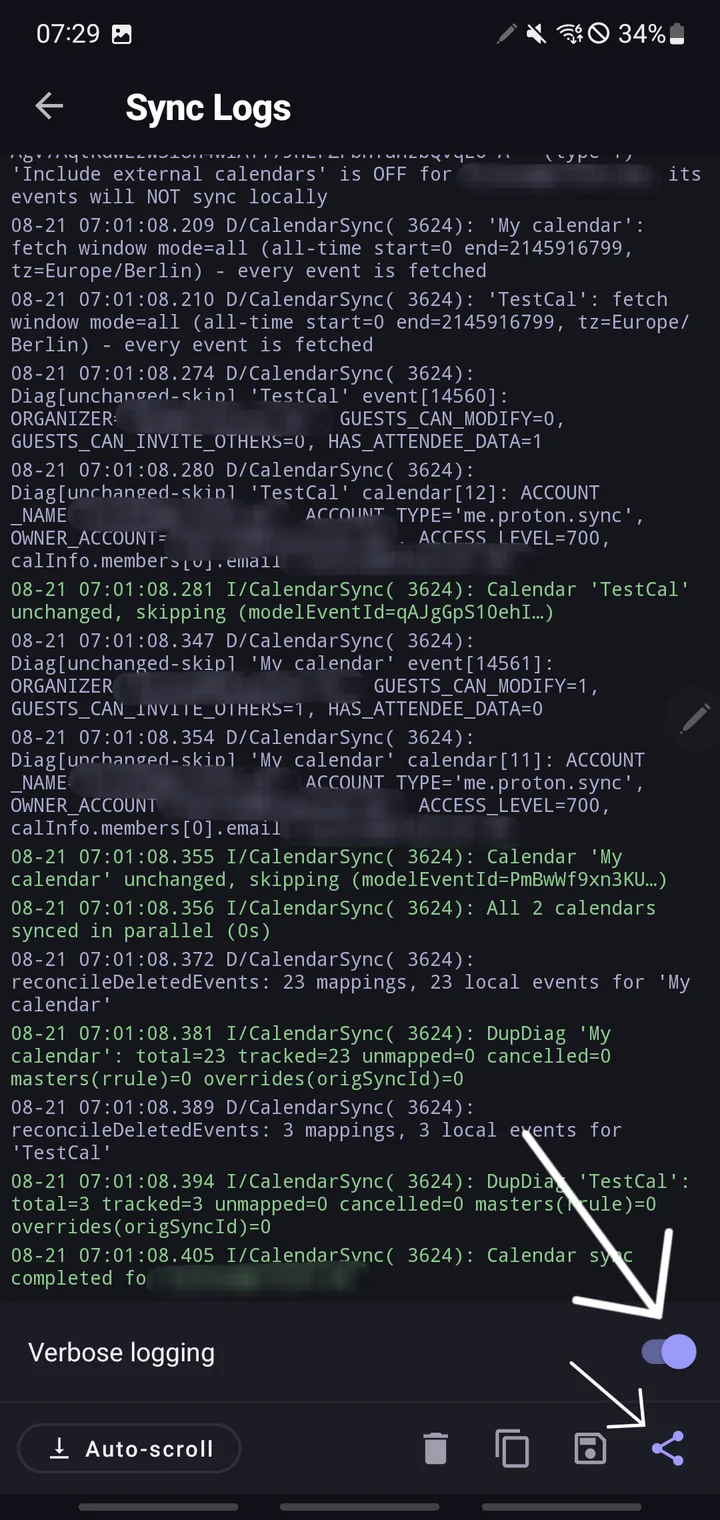
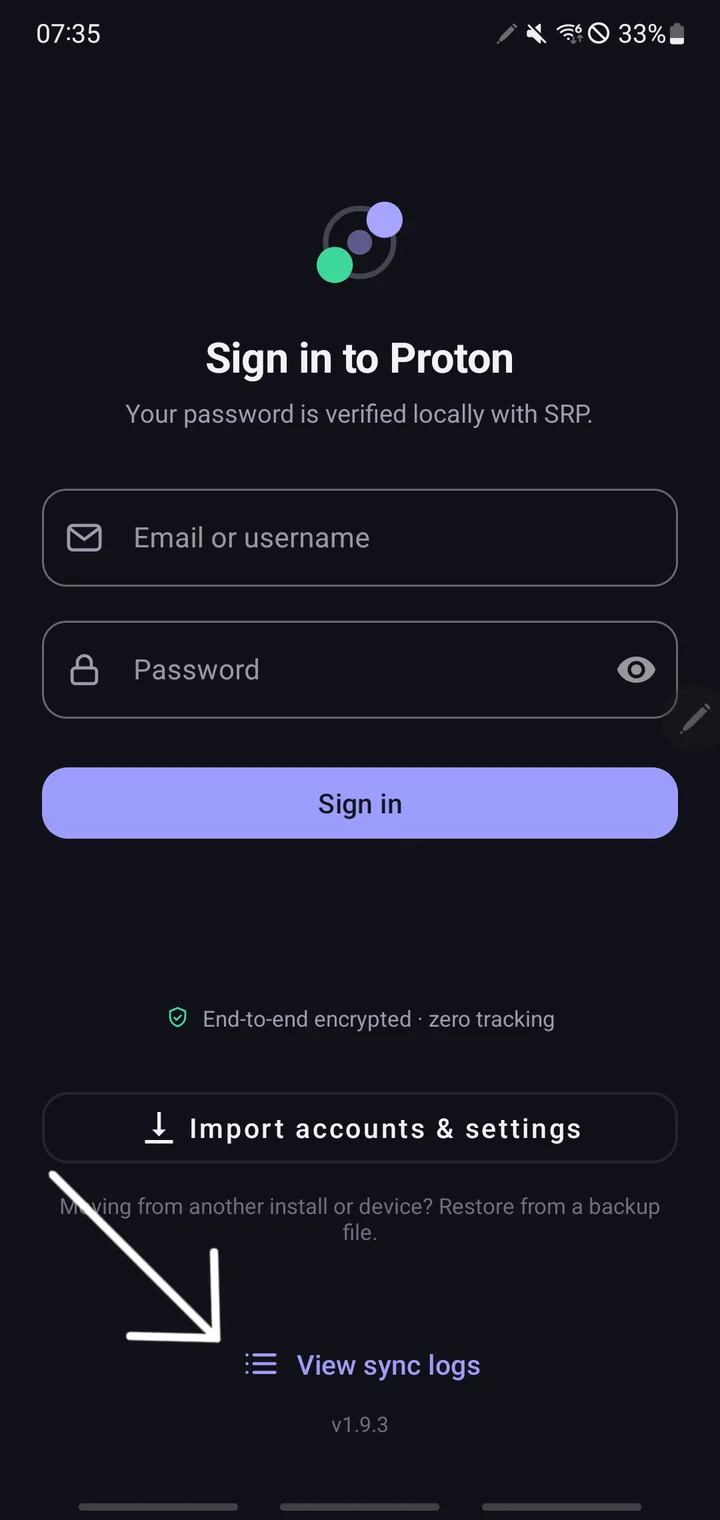
  • Real-time sync log viewer with auto-scroll
  • Copy and export logs for troubleshooting
  • Sync trigger labelling (Manual, Scheduled…)
  • Detailed encryption and network request logs

Data & Encryption

Exactly what lives where.

Here’s exactly what lives where on your device, so you can decide if the trade-offs fit your threat model. Nothing on this list leaves your device except via Proton’s own API — there are no analytics, no crash reporters, and no third-party destinations.

Encrypted on your phone

AES-256-GCM · Android Keystore
  • Mailbox passphrase — hardware-backed on supported devices
  • Access and refresh tokens — in Android’s AccountManager, with file-based encryption when the device is locked
  • Decrypted PGP keys — never persisted; re-unlocked fresh on each sync

Plaintext on your phone

In Android’s own databases
  • Synced Proton contacts — written to Android’s standard ContactsProvider, same place your Google and Samsung contacts live
  • Synced Proton calendar events — written to Android’s standard CalendarProvider, same place your other calendars live

In memory only

Never written to disk
  • Decrypted contact and event content during the sync cycle (released as soon as sync finishes)
  • Unlocked PGP private keys

Why plaintext at all? This is the whole point of a native sync adapter: once decrypted, your Proton contacts show the right name when someone calls you, and your Proton events appear on your watch, your lock screen, and in whatever calendar app you prefer. If the data stayed encrypted inside the app, none of that would work. The same security model applies to every sync adapter on Android — Google, Samsung, iCloud, DAVx5. The at-rest protection above guards against casual disk inspection, backups, and apps without the right permissions; it does not protect against a rooted device or a malicious app that already has READ_CONTACTS / READ_CALENDAR.

Want stricter isolation? If you’d rather have no data touching Android’s system providers — or any other link in the chain — stay with Proton’s official Android apps, which keep everything in-app. You give up system-wide integration in exchange for zero additional trust.


Pricing

7-day free trial.

Every feature, free for 7 days — no commitment, cancel anytime.

€2.39/ month

or €23.99 / year · incl. German VAT (other countries may differ)

7-day free trial
  • Unlimited Proton accounts with per-account settings
  • Two-way Contacts sync (all fields, groups, photos)
  • Two-way Calendar sync (events, time zones, locations)
  • Full recurring event support (RRULE, RDATE, EXDATE)
  • Reminders & alarms mapped to Android notifications
  • Custom sync intervals & event-loop polling
  • Calendar sync timeframe (past & future days)
  • Attendee status polling
  • Send invitation, update & cancellation emails
  • External / subscribed calendar control
  • Full re-sync (Remote→Local / Local→Remote)
  • Sync log viewer & export
  • End-to-end encryption (OpenPGP)
  • All future updates included

Features and pricing are indicative and subject to change until final release. Payments processed by Paddle.com (direct channel) or Google Play (Play channel).


Install

Two ways to install.

Same app, same price. Pick the channel that fits your device — only the way you start the trial and pay differs.

Standard Android

Google Play

Install and subscribe straight from the Play Store. Your 7-day free trial and billing are handled entirely by Google Play.

The Play and direct builds are signed with different keys, so switching between them needs a reinstall.


Get in touch

Direct, personal support.

Replies are personal — no ticketing systems, no chatbots.

Please include your Android version, device model, and the app version (Settings → About) when reporting bugs.


Also from olausson.de

Mail Checker for Proton Mail

A Firefox & Chrome extension to read, compose, and manage Proton Mail right from the browser toolbar — without ever opening a tab.

Read more