Mail Checker for Proton Mail (Firefox) Mail Checker for Proton Mail (Chrome)
Firefox & Chrome extension · v1.x · Beta

Mail Checker for Proton Mail

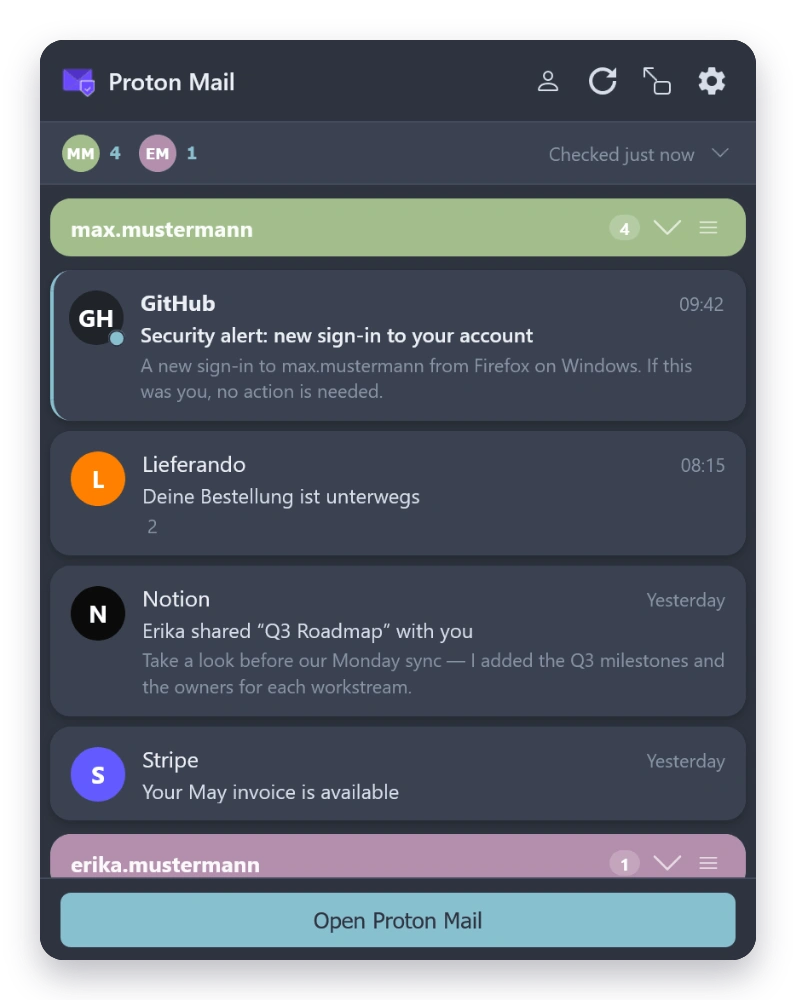
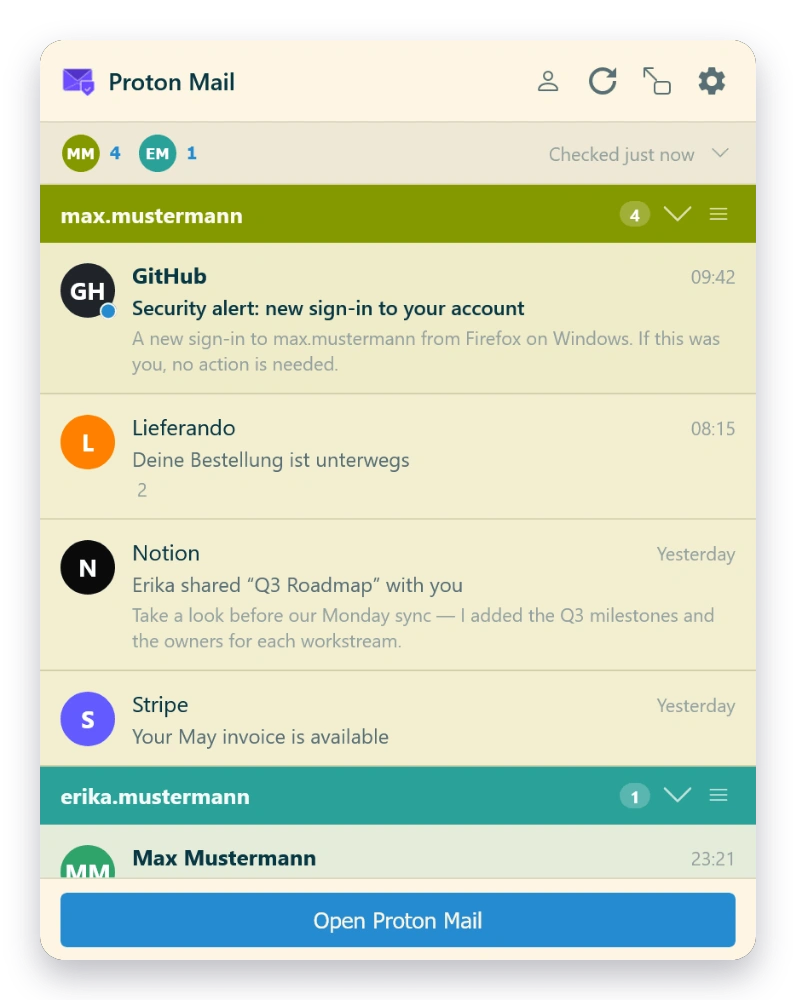
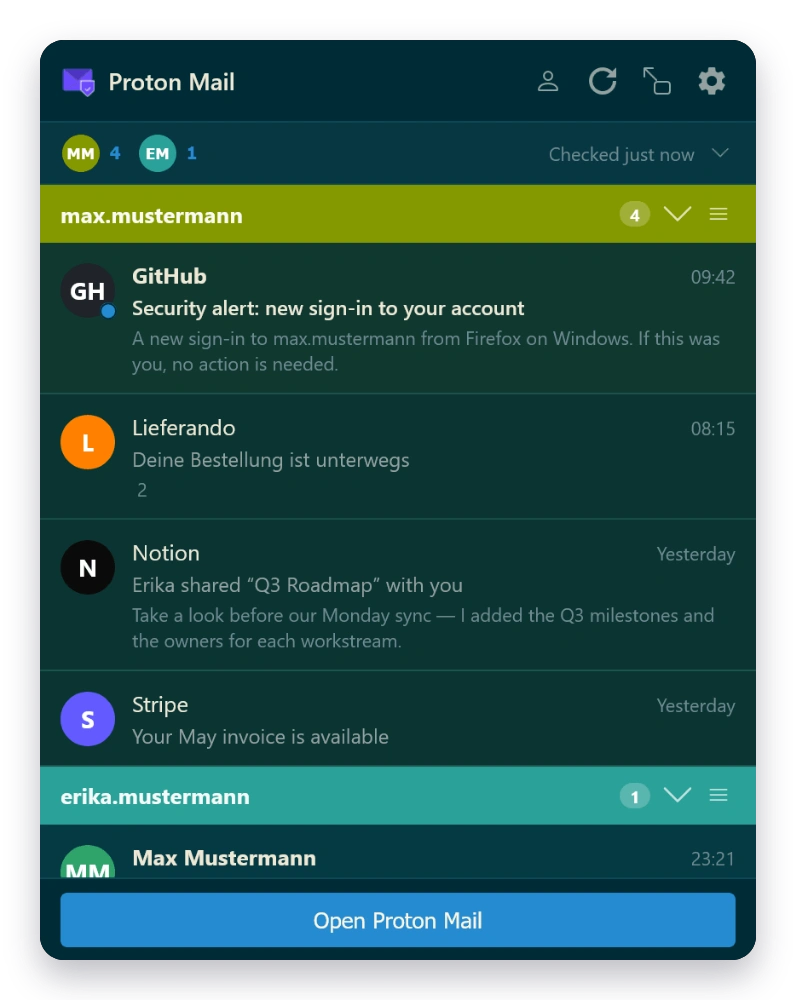
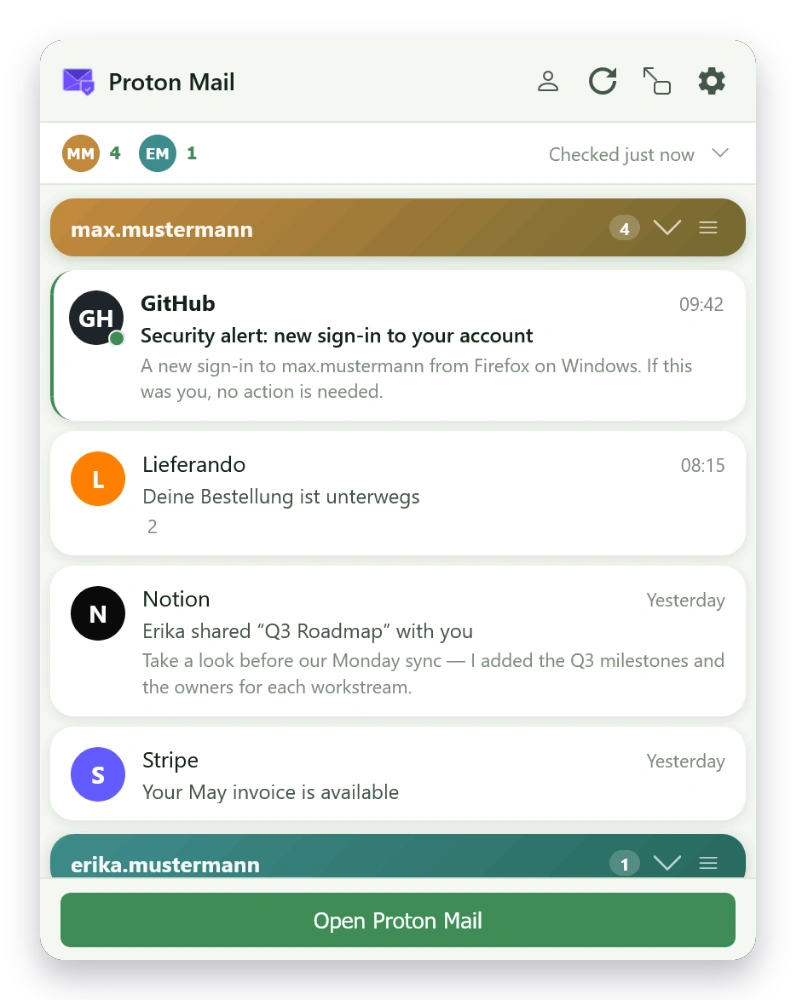
A feature-rich browser extension that lets you read, compose, and manage your Proton Mail right from the toolbar — without ever opening a tab.

Available End-to-end encrypted


What it does

Everything you need from Proton Mail — right in the toolbar.

01 — Inbox

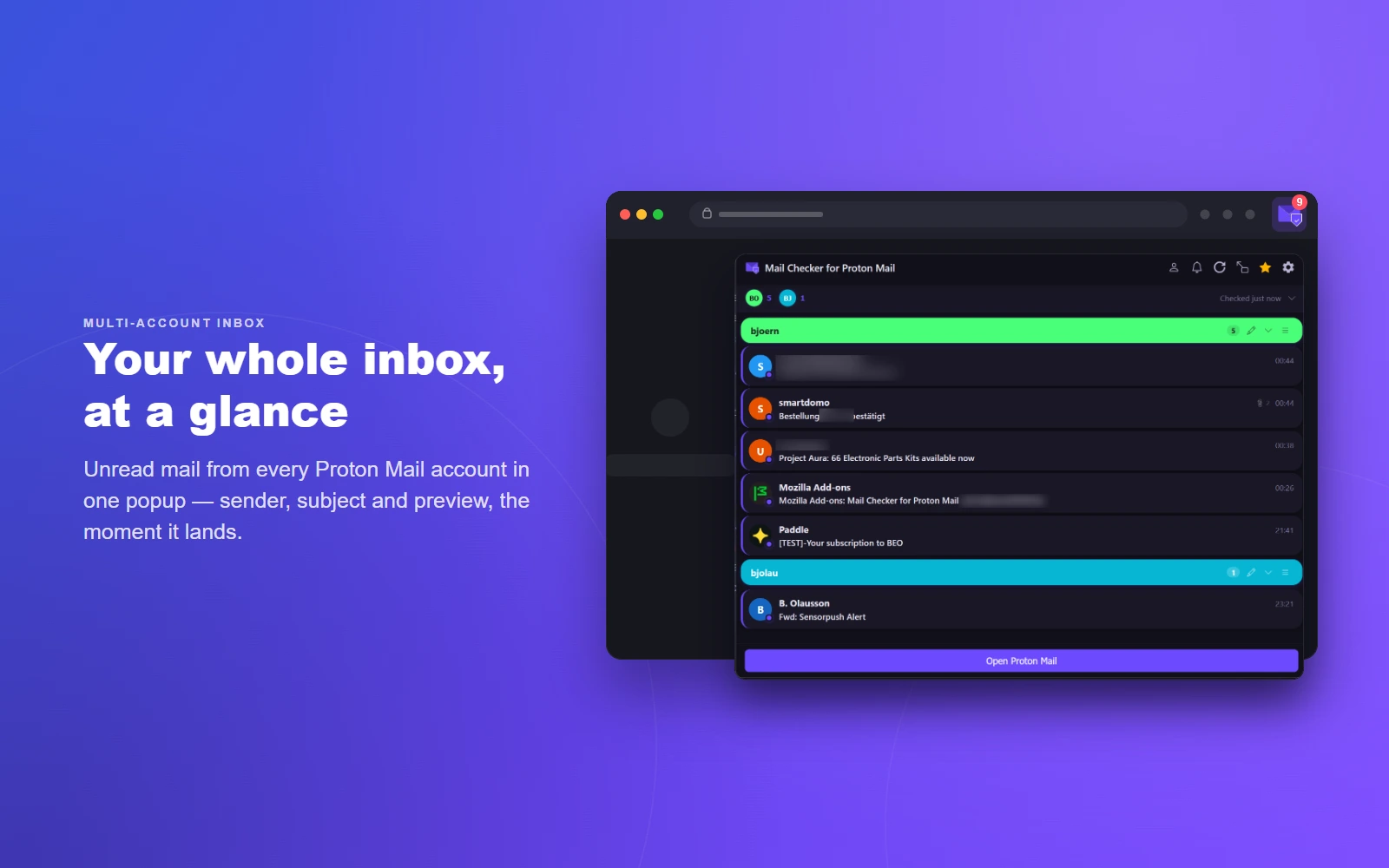
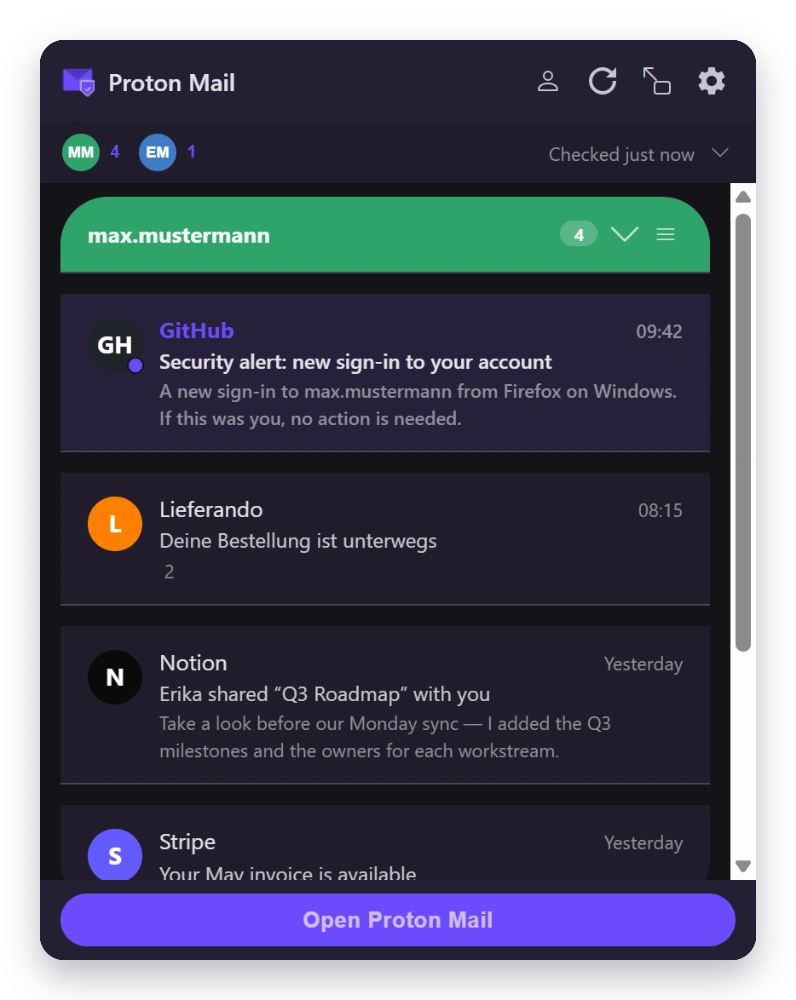
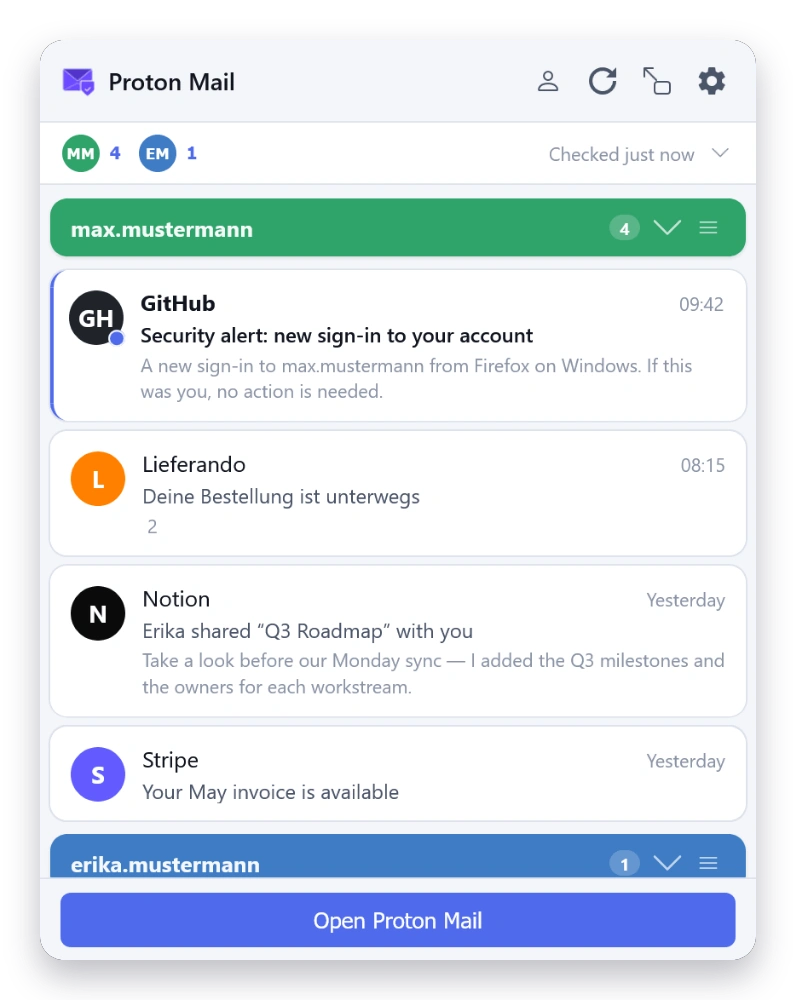
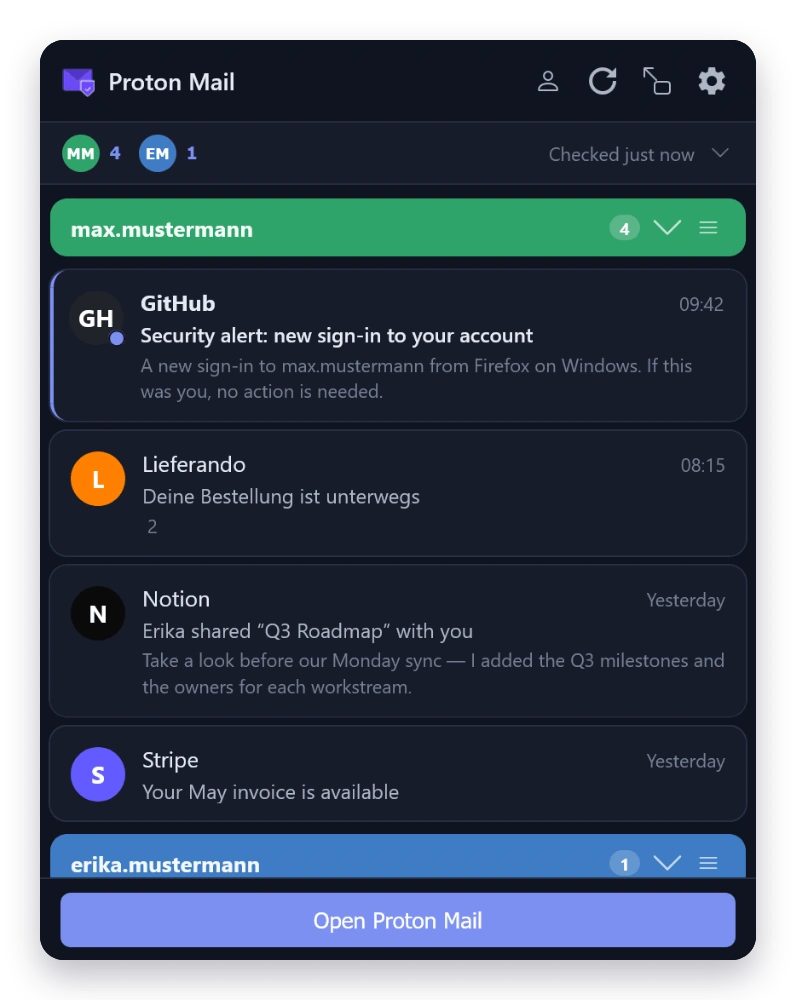
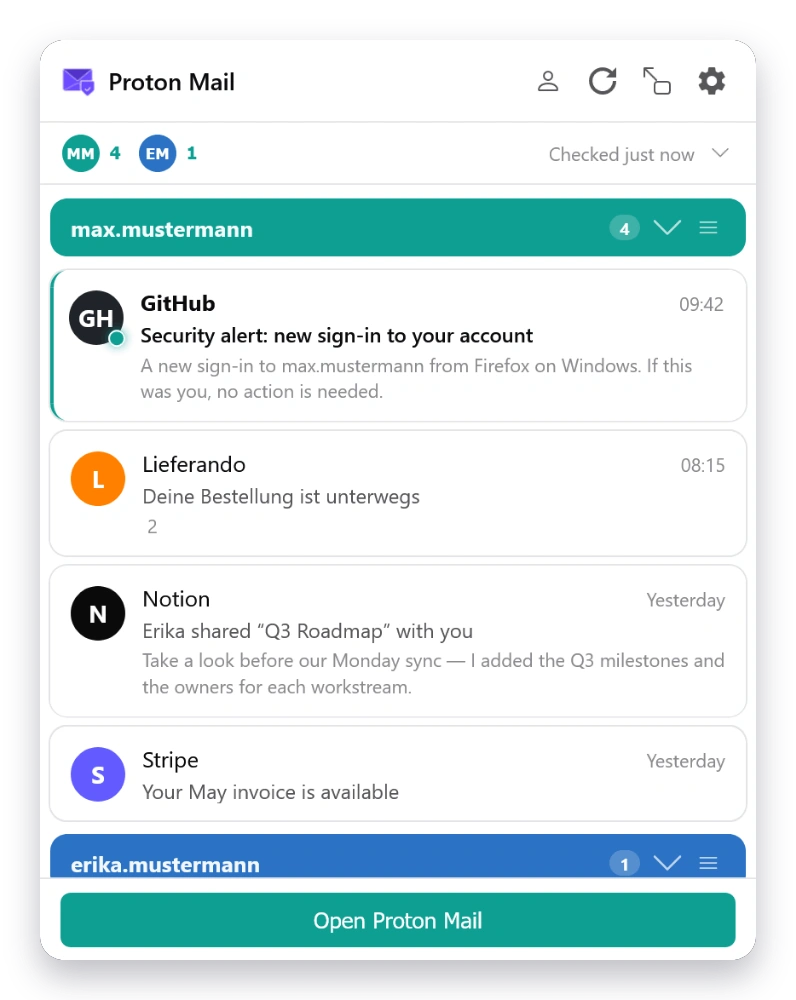
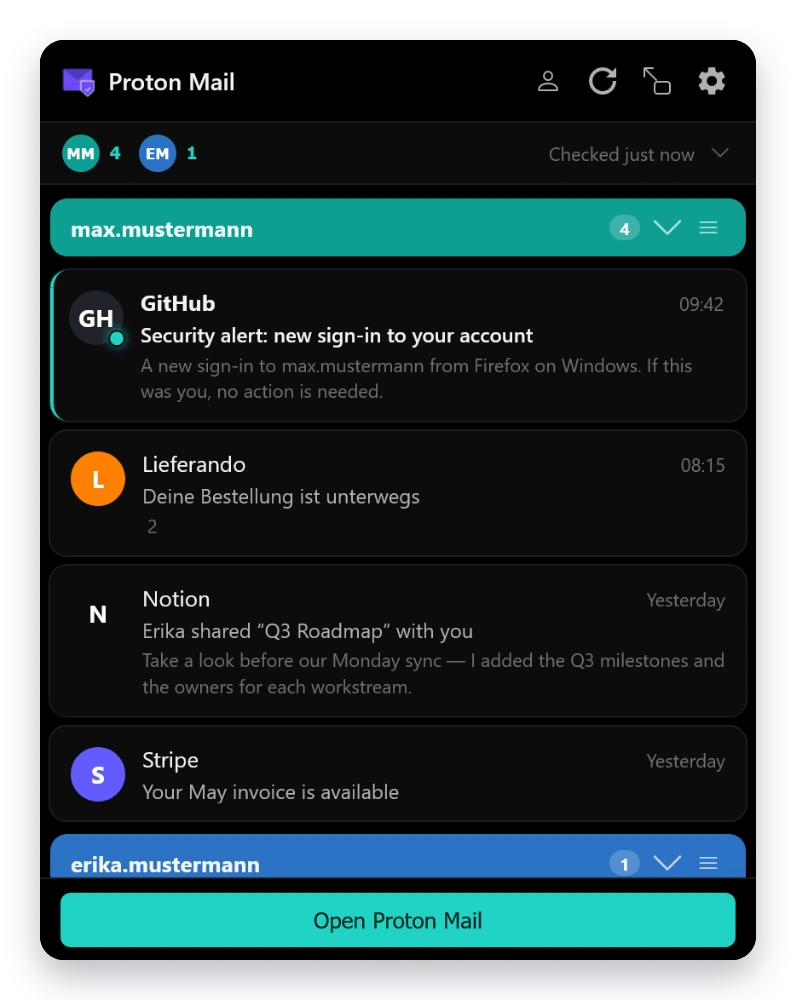
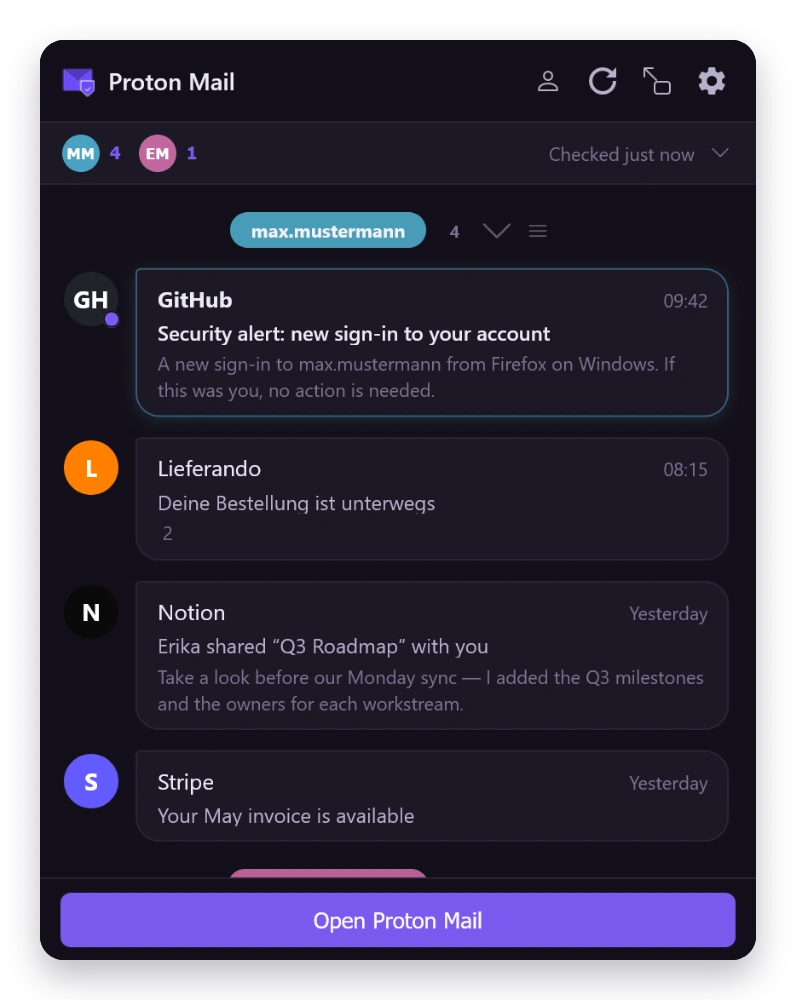
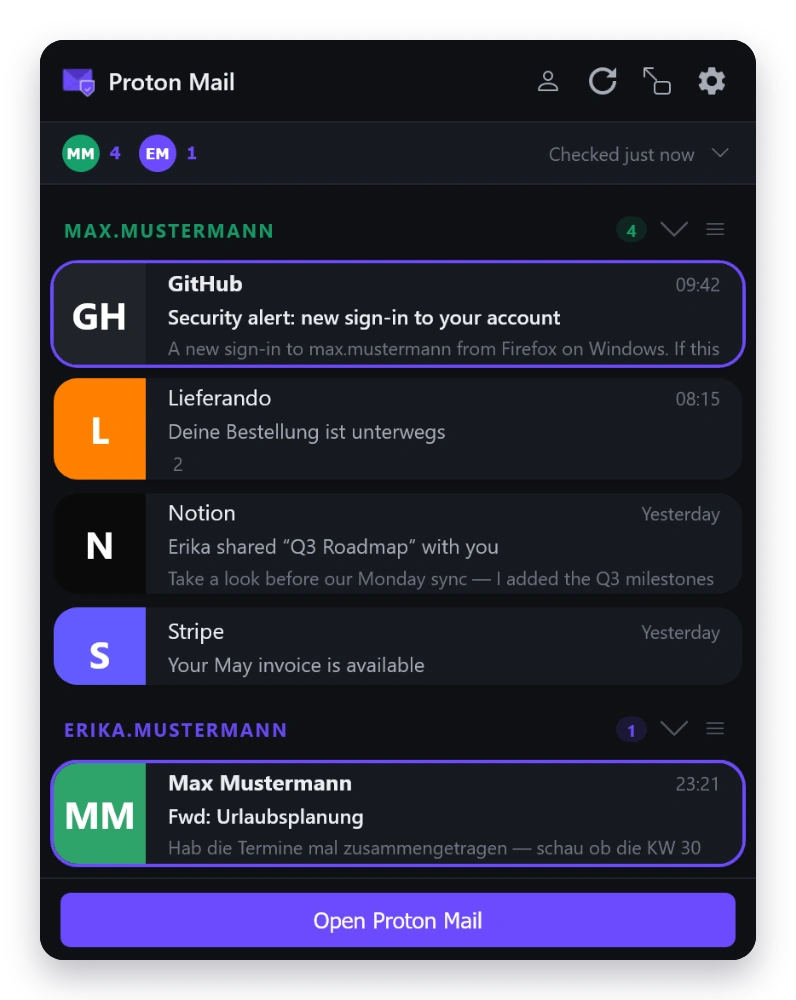
Inbox at a Glance

  • Unread count badge on the toolbar icon
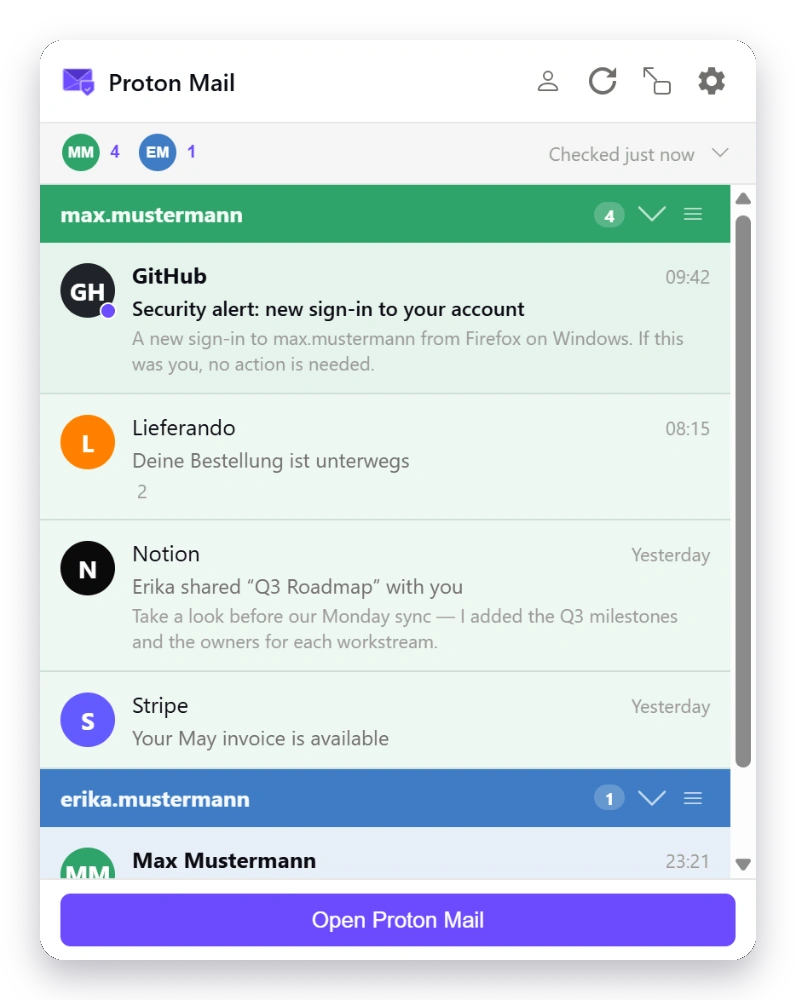
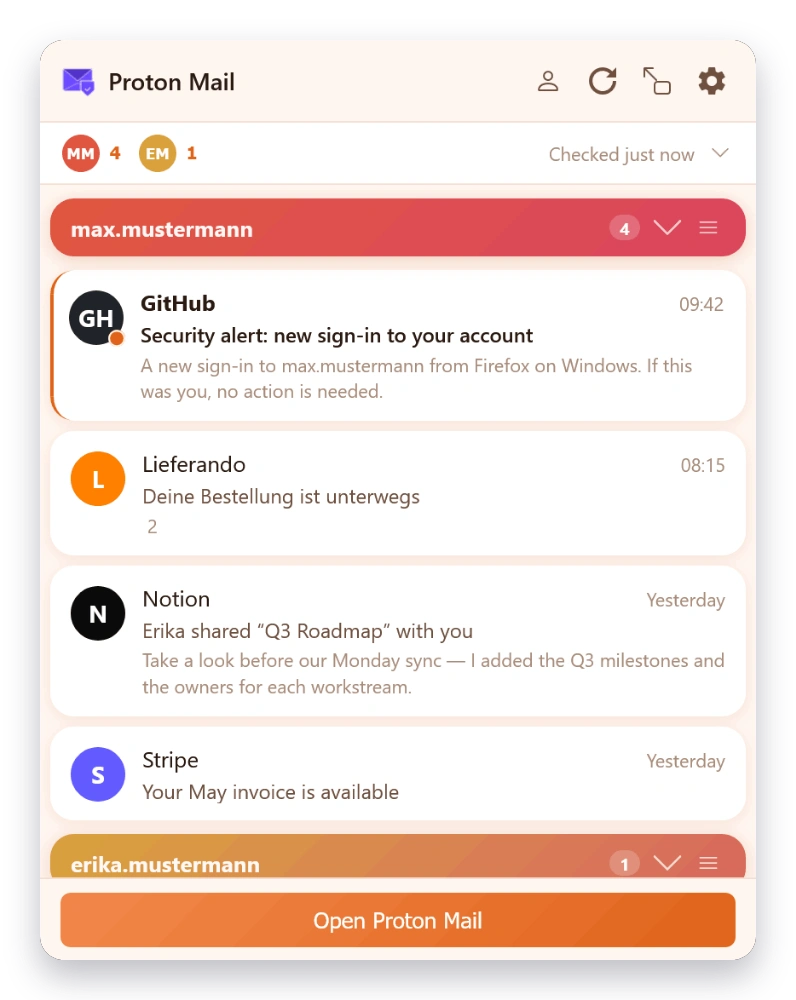
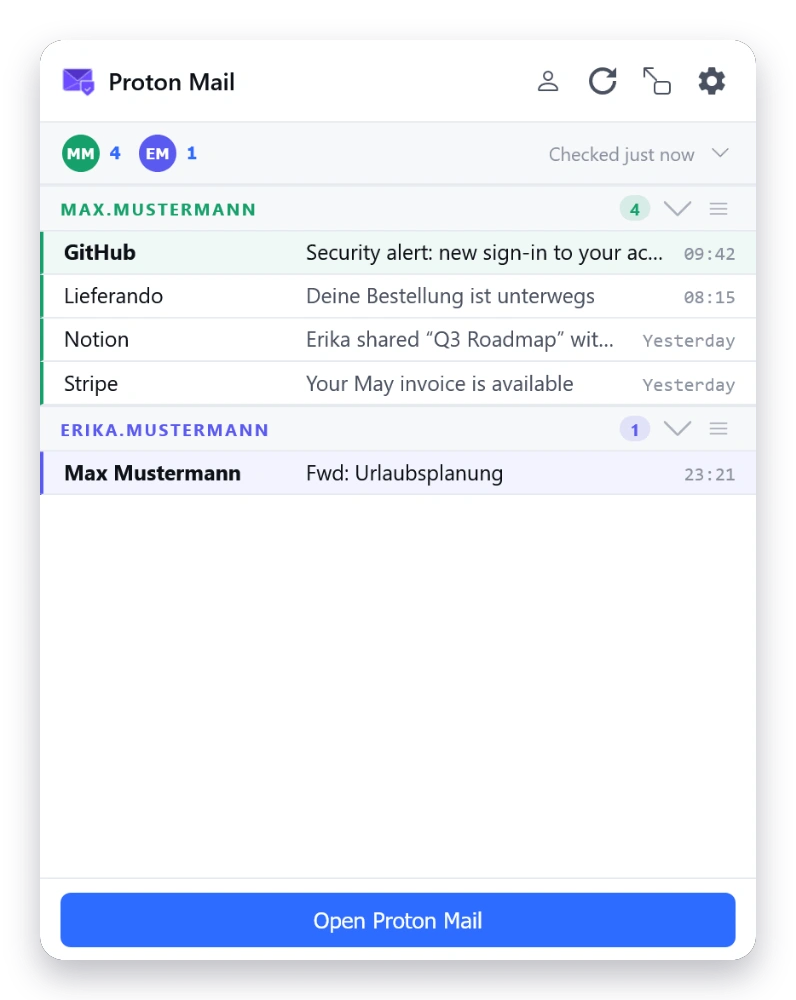
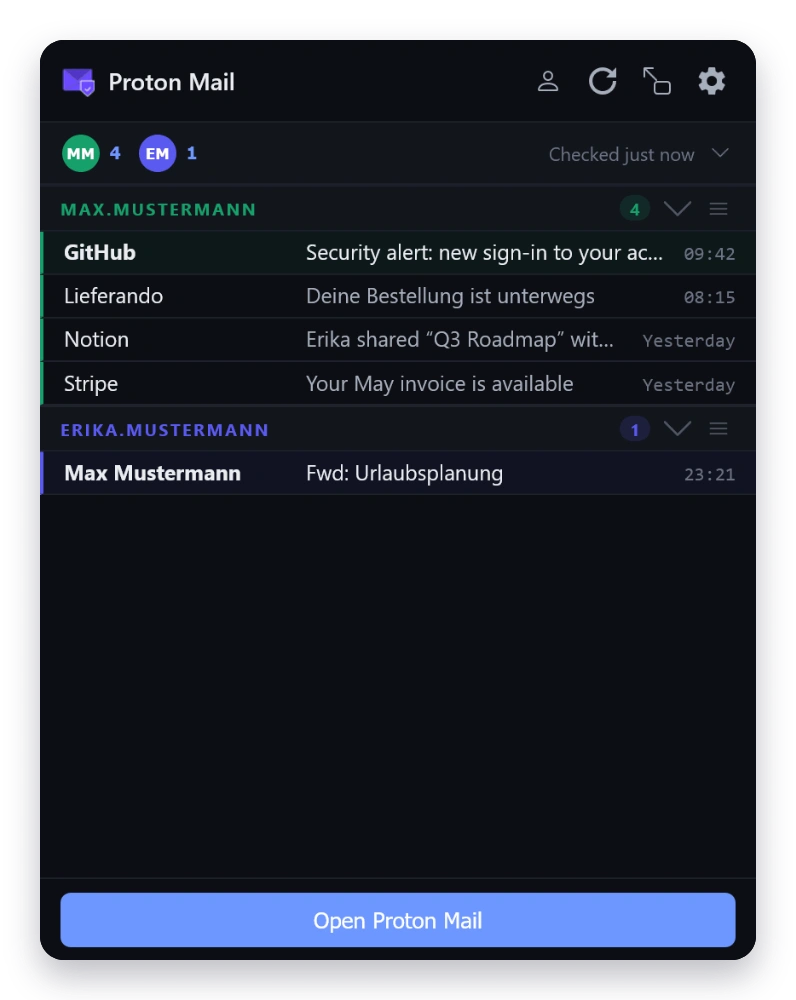
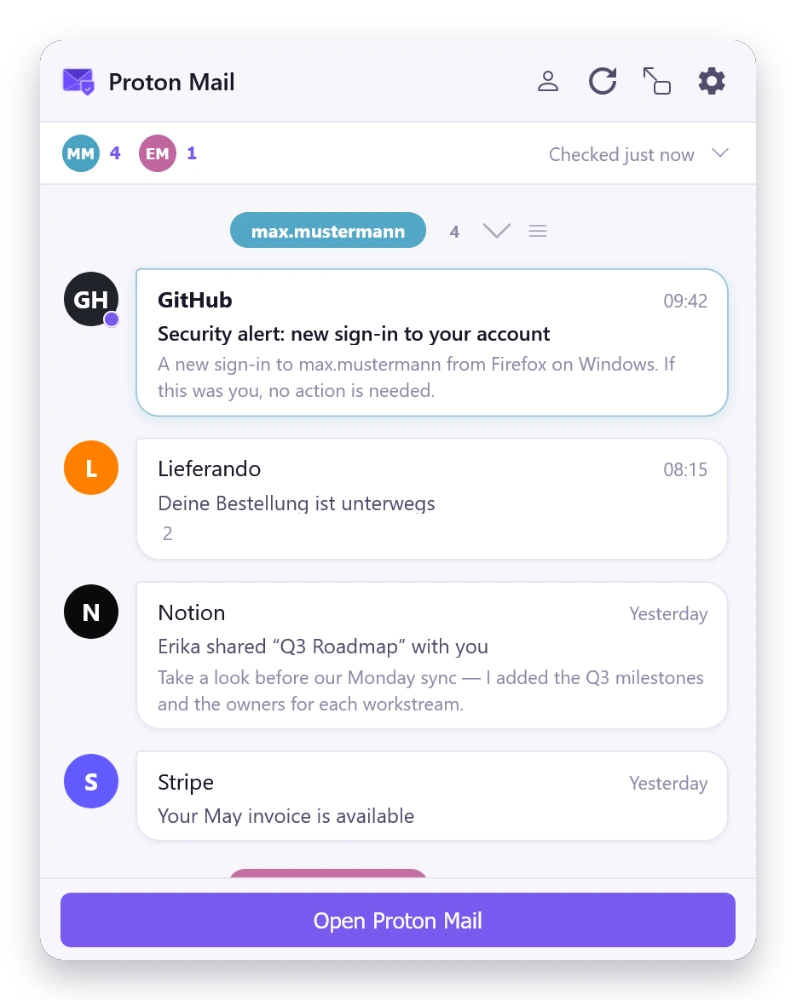
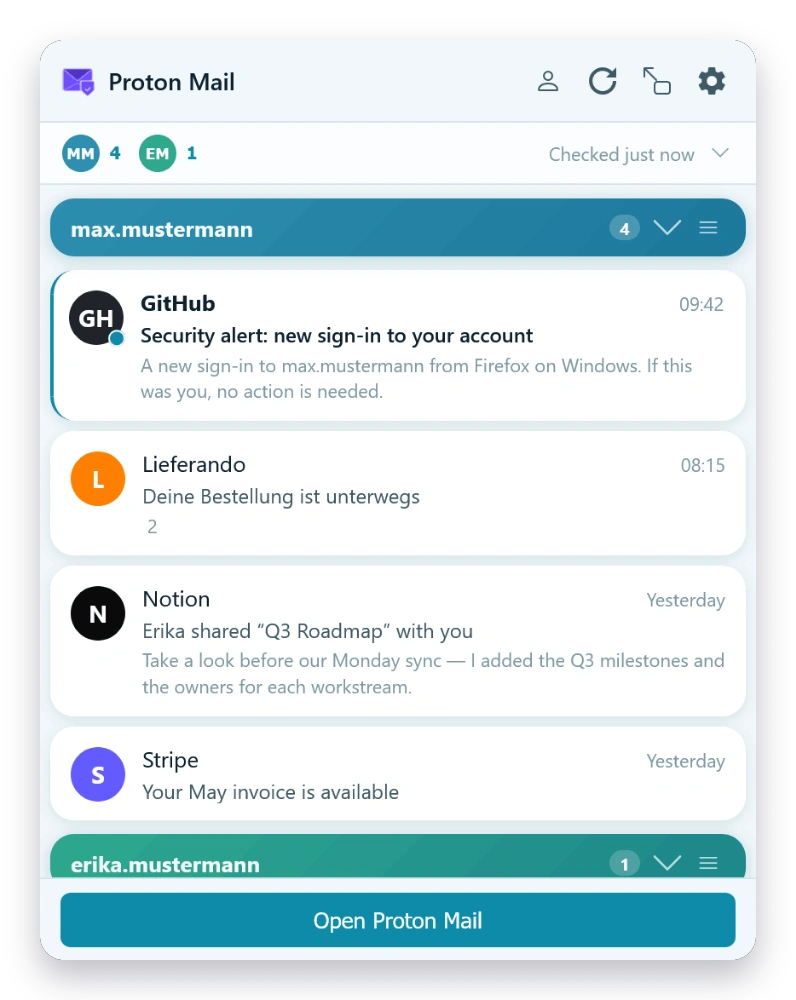
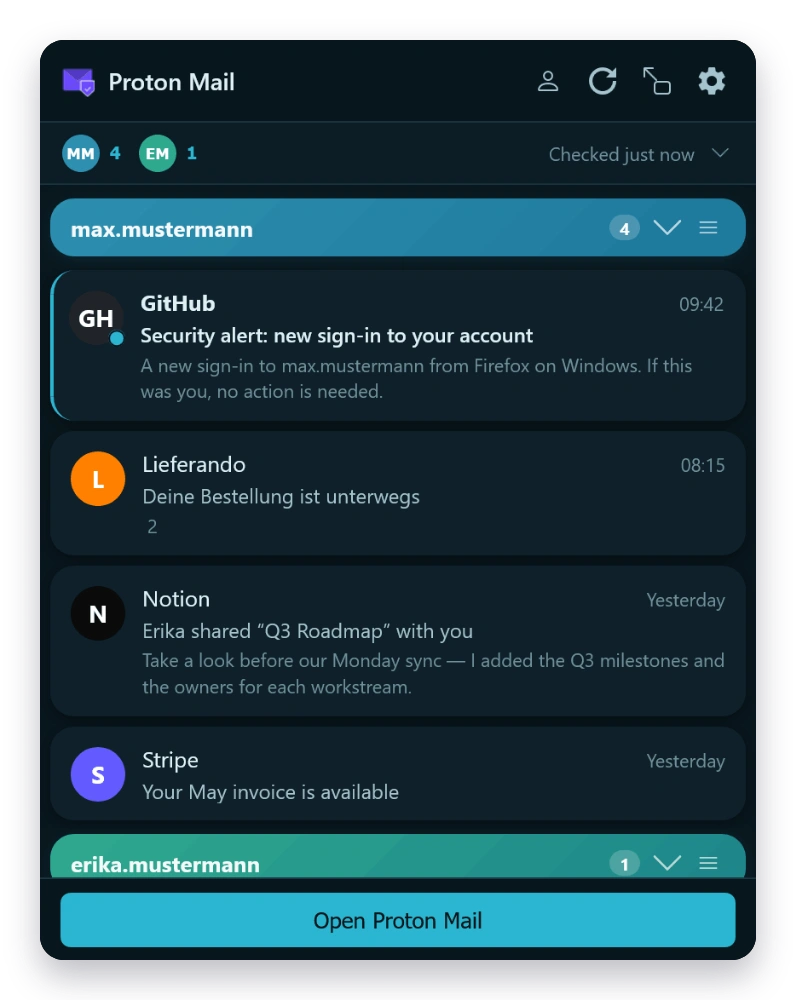
  • Message list with sender, subject, time & preview
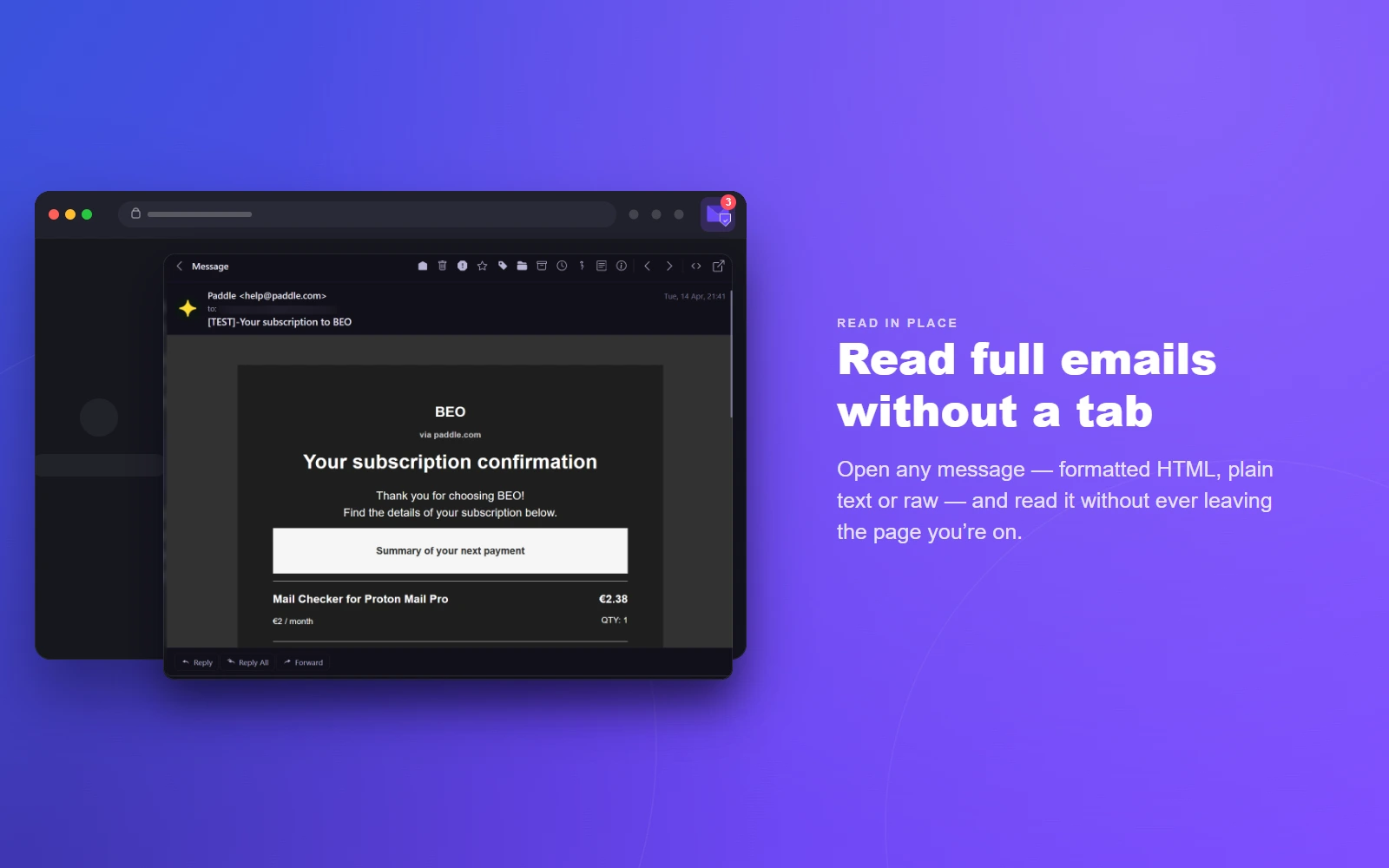
  • Full message preview without leaving the popup
  • HTML, plain-text, and raw view (with optional HTML prettify)
  • Decrypt attachments — open in a new tab or download
  • Verification code detection — auto-extract OTP/2FA codes with click-to-copy badge; customizable regex
  • Configurable preview lines (0–10) and max messages per account
  • Sender display format: name, email, or both
02 — Accounts

Multi-Account

  • Monitor multiple Proton Mail accounts simultaneously
  • Per-account folder monitoring
  • Quick account switching with account pills
  • Custom account labels, colors, and drag-to-reorder
  • Account alignment with Proton web slots
  • Separate notification settings per account
03 — Compose

Compose & Reply

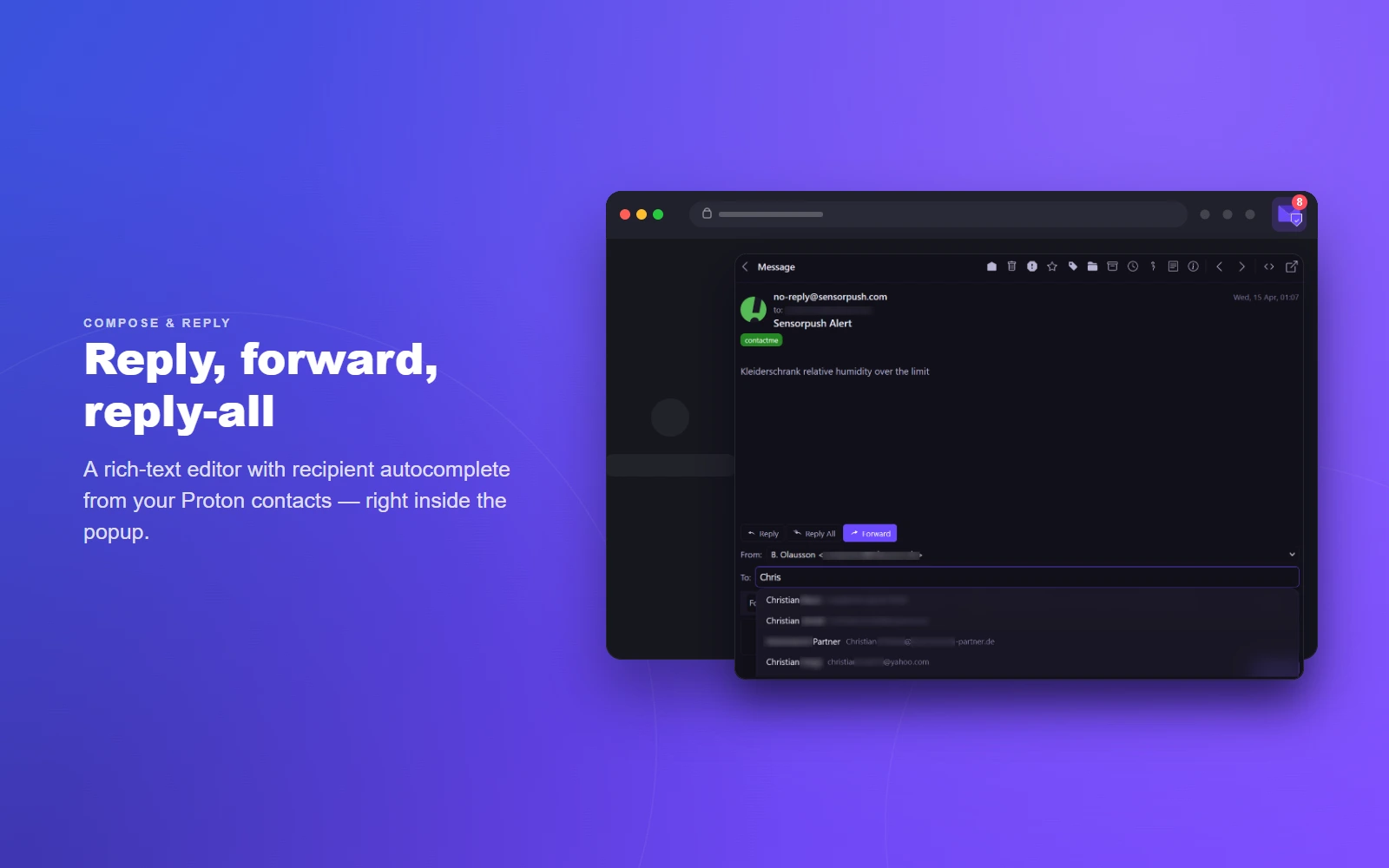
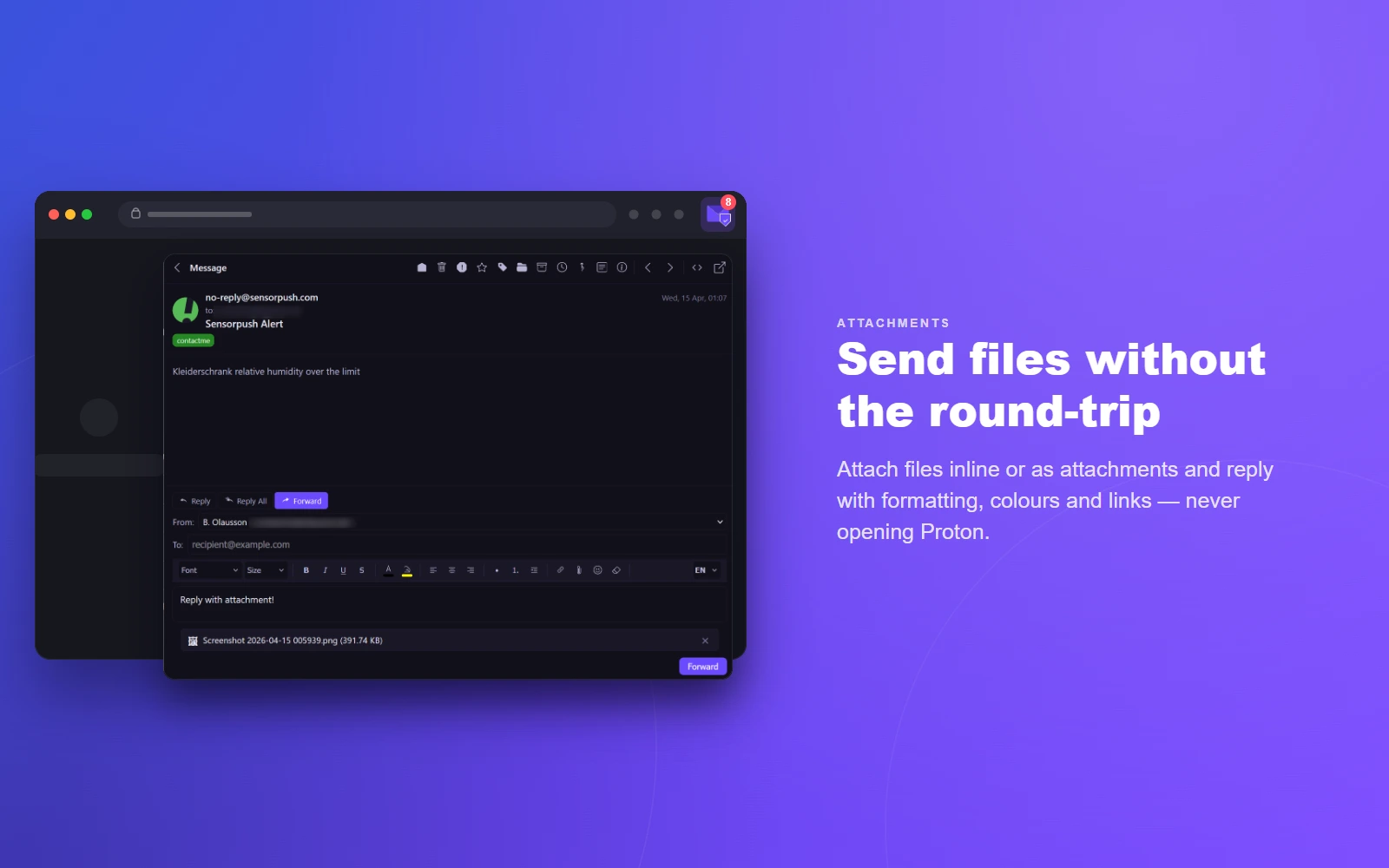
  • Full email composition directly in the popup
  • Reply, Reply All, and Forward
  • Rich text editor with formatting, colors & links
  • Default compose & reply format (HTML or plain text)
  • Open compose in popup or redirect to Proton web
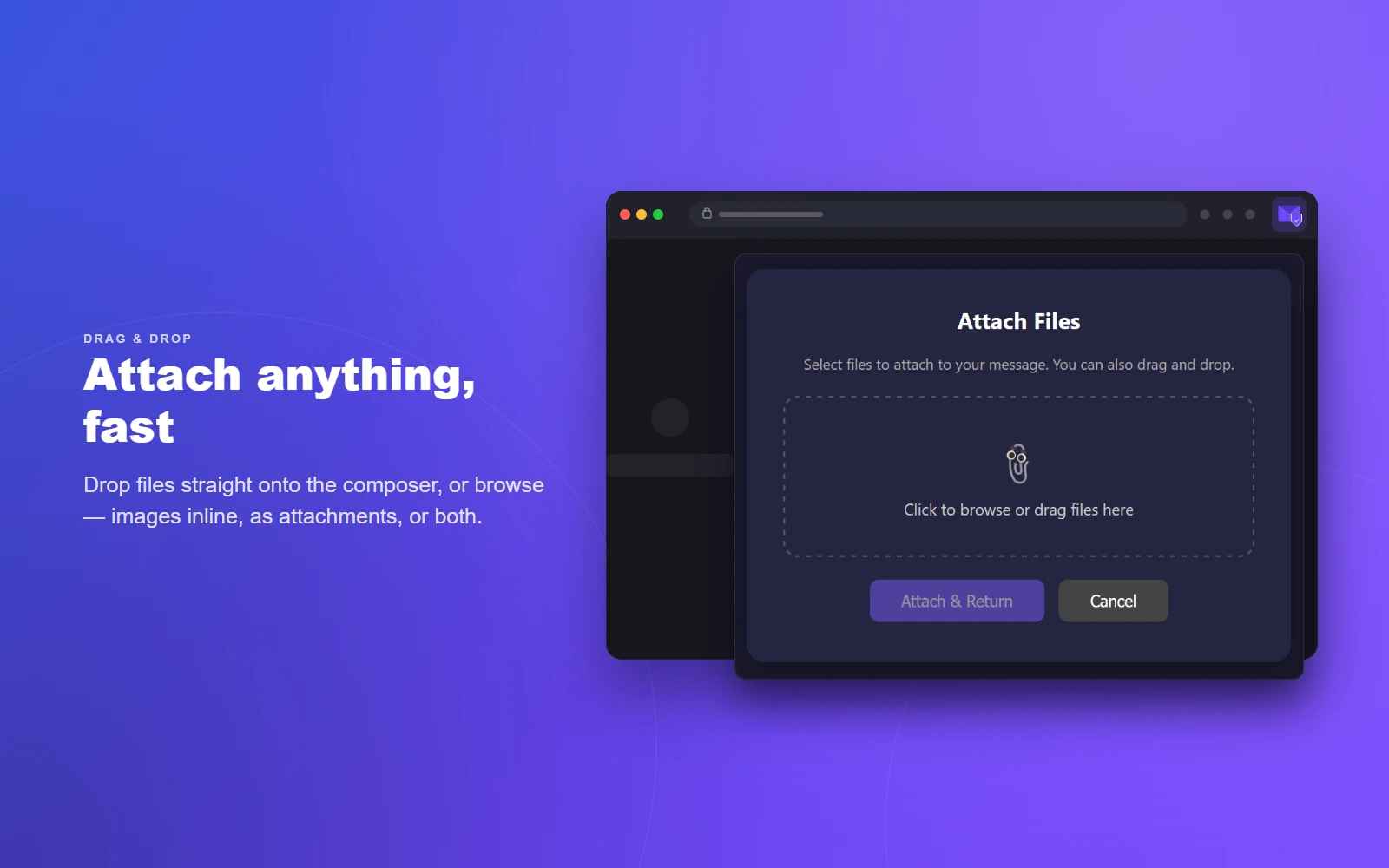
  • File attachments, drag-and-drop
  • Image attachment mode: inline, attach as file, or both
  • Optional “Send & Archive” button
  • Draft auto-save and persistence
  • Contact autocomplete for recipients
  • Spellcheck (uses browser dictionaries)
04 — Quick actions

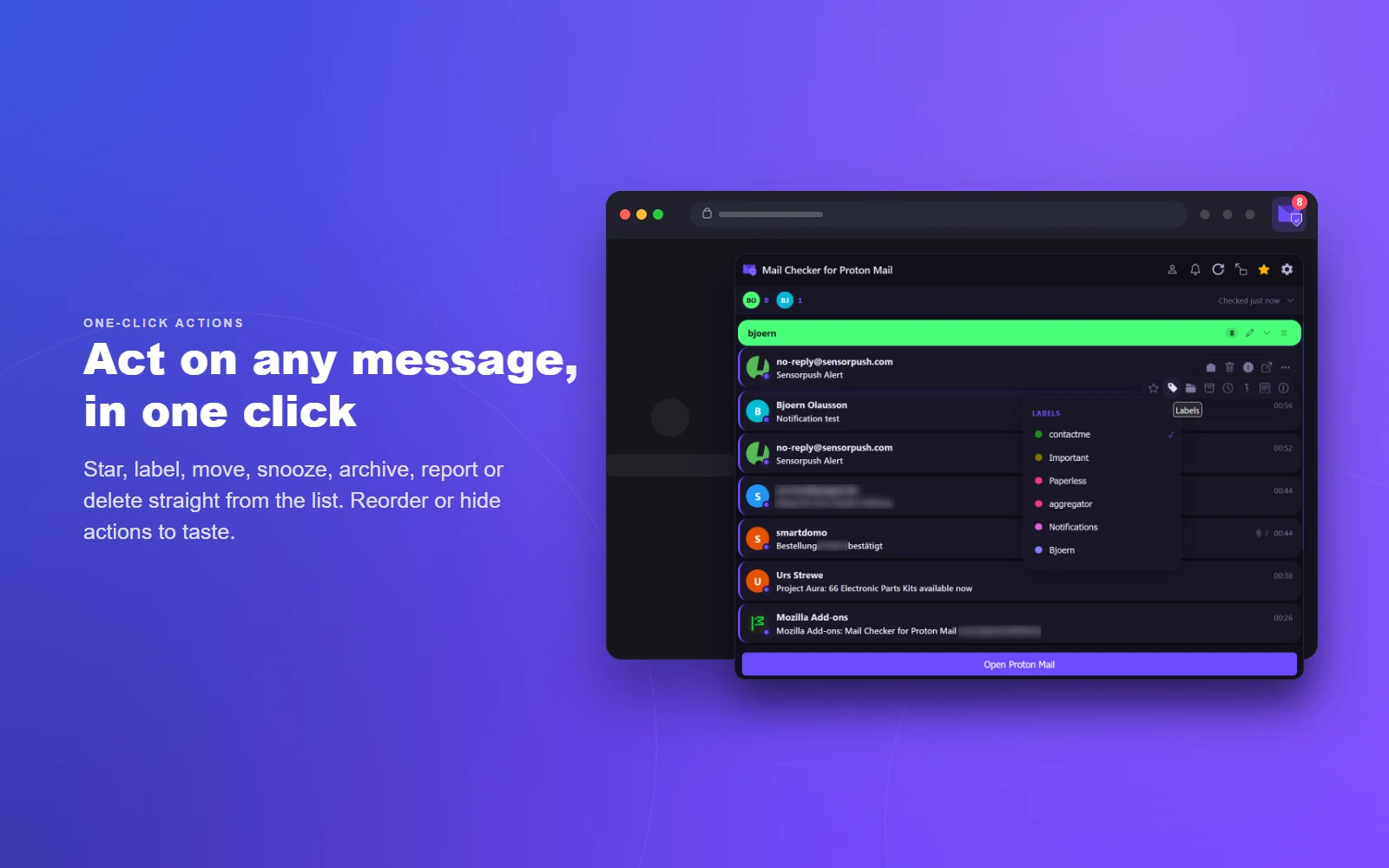
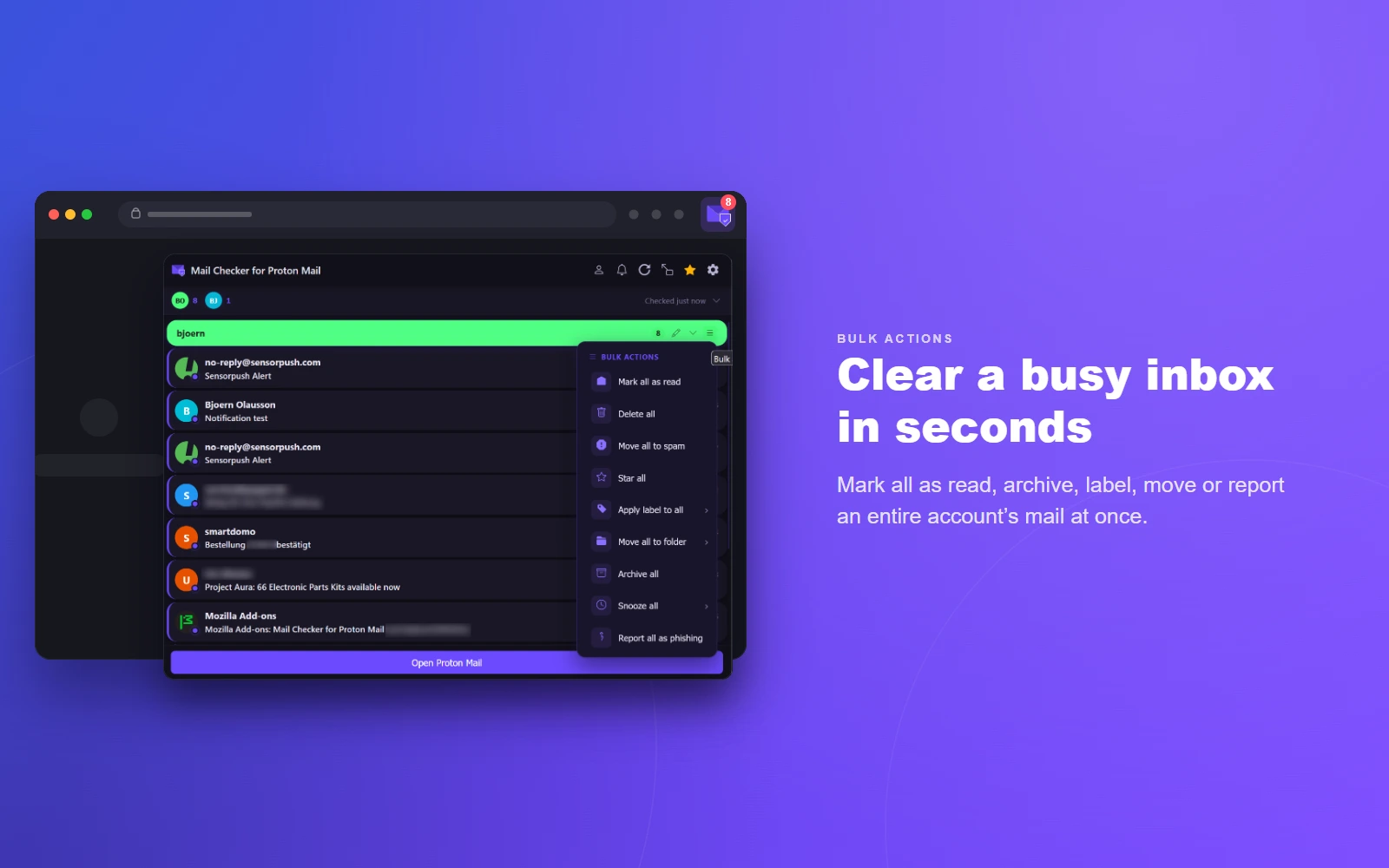
One-click Workflow

  • Mark as read/unread, star, archive, trash
  • Permanently delete (skips Trash, with confirmation)
  • Move to folder and apply labels
  • Snooze messages (1 h, 3 h, tomorrow, next week)
  • Report phishing, view headers & details
  • Drag-to-reorder and show/hide individual actions
05 — Notifications

Notifications & DND

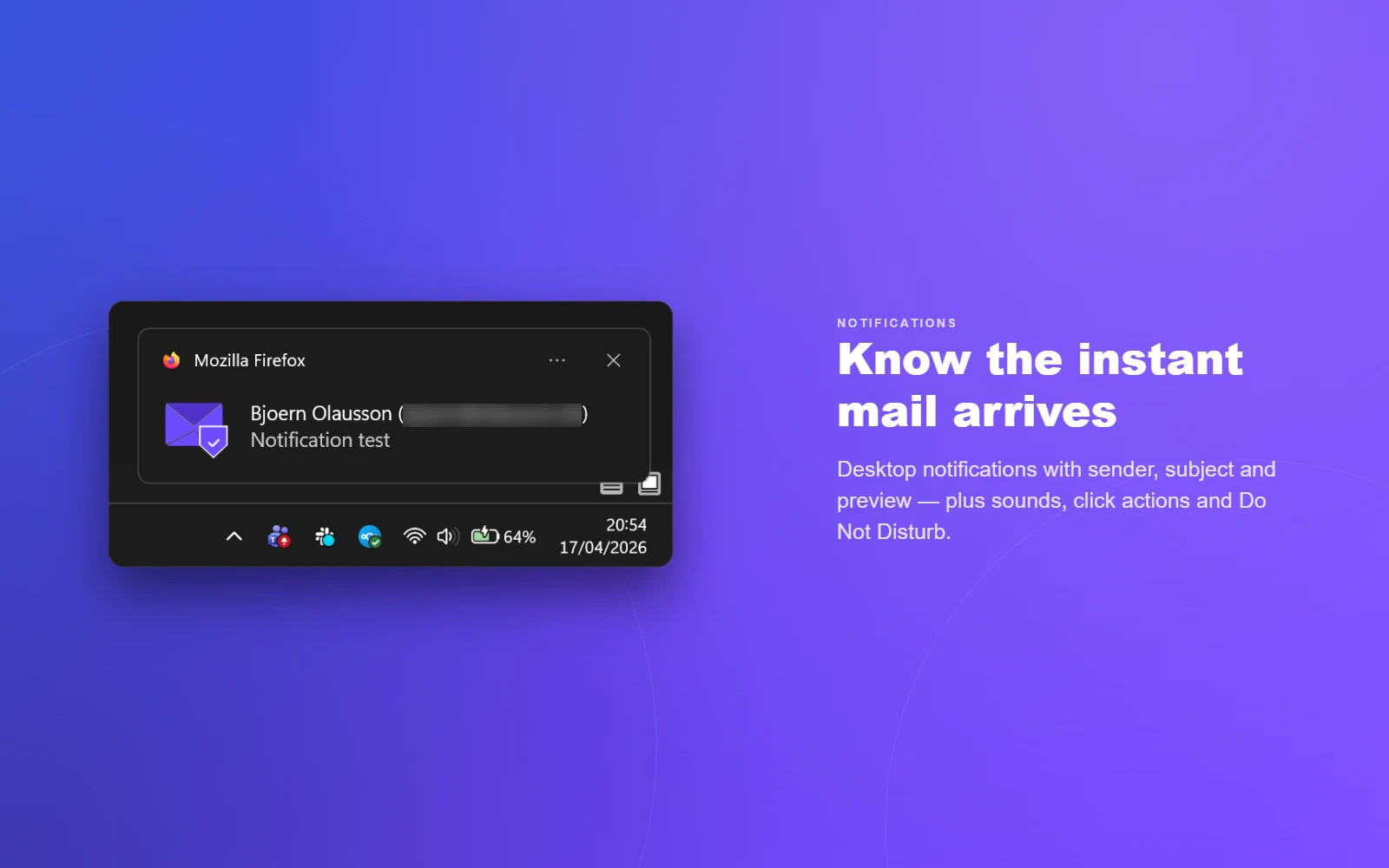
  • Desktop notifications for new mail
  • Toggle message preview text in notifications
  • Configurable sounds (chime, bell, ding) with volume
  • Notification click actions (open message, open inbox, or do nothing)
  • Custom badge color
  • Do Not Disturb with preset durations
  • DND icon indicator
06 — Calendar

Calendar Integration

  • Detect calendar invitations in messages
  • RSVP directly (accept, tentative, decline)
  • View attendee status for each event
07 — Customization

Themes & Display

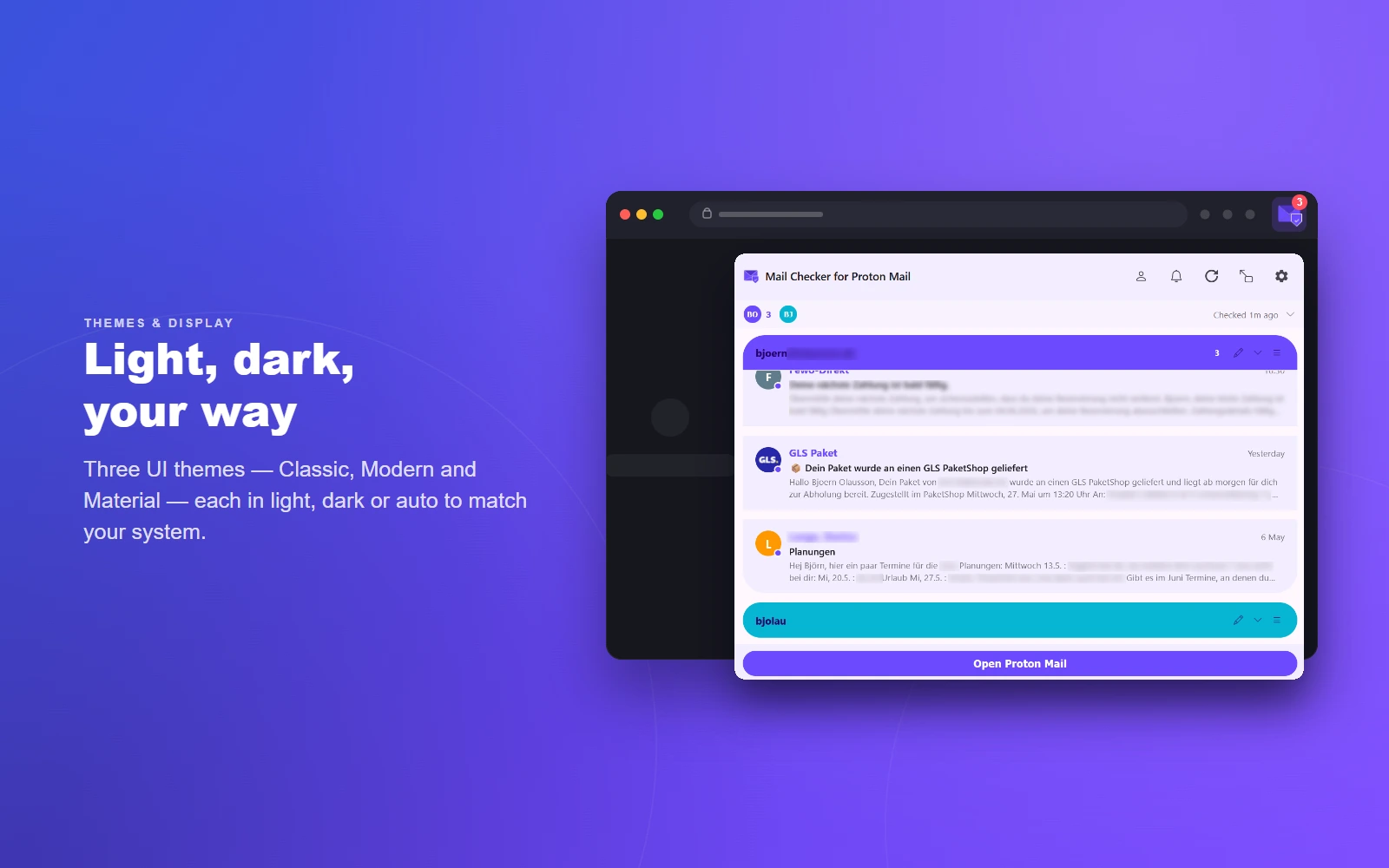
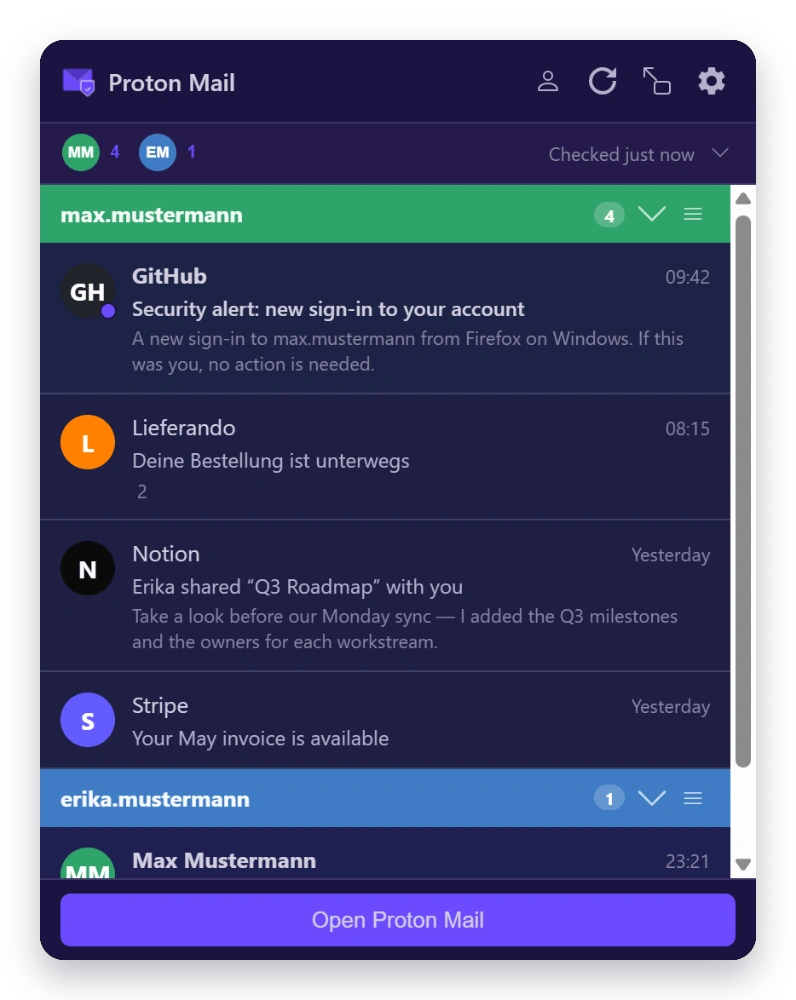
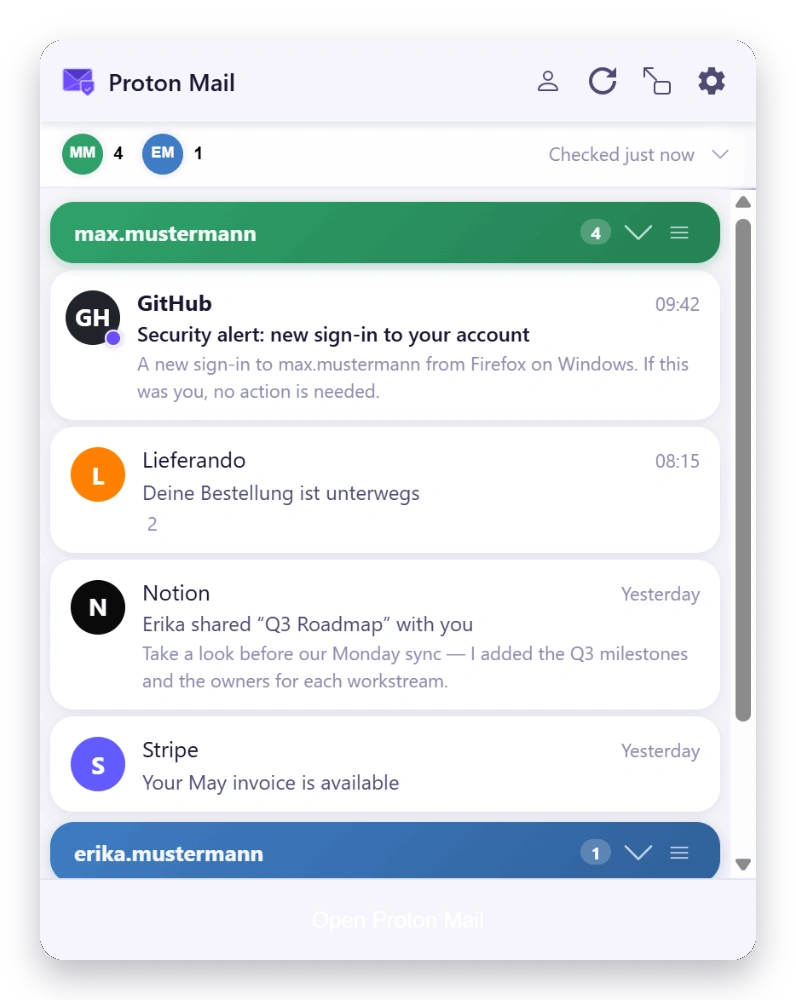
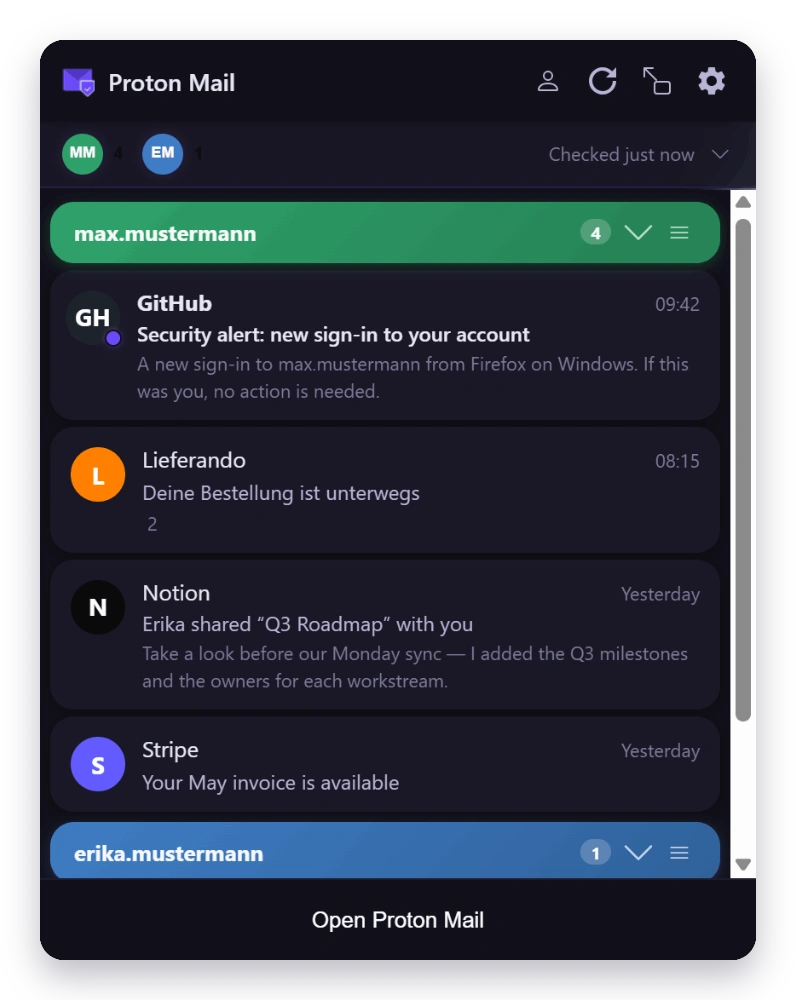
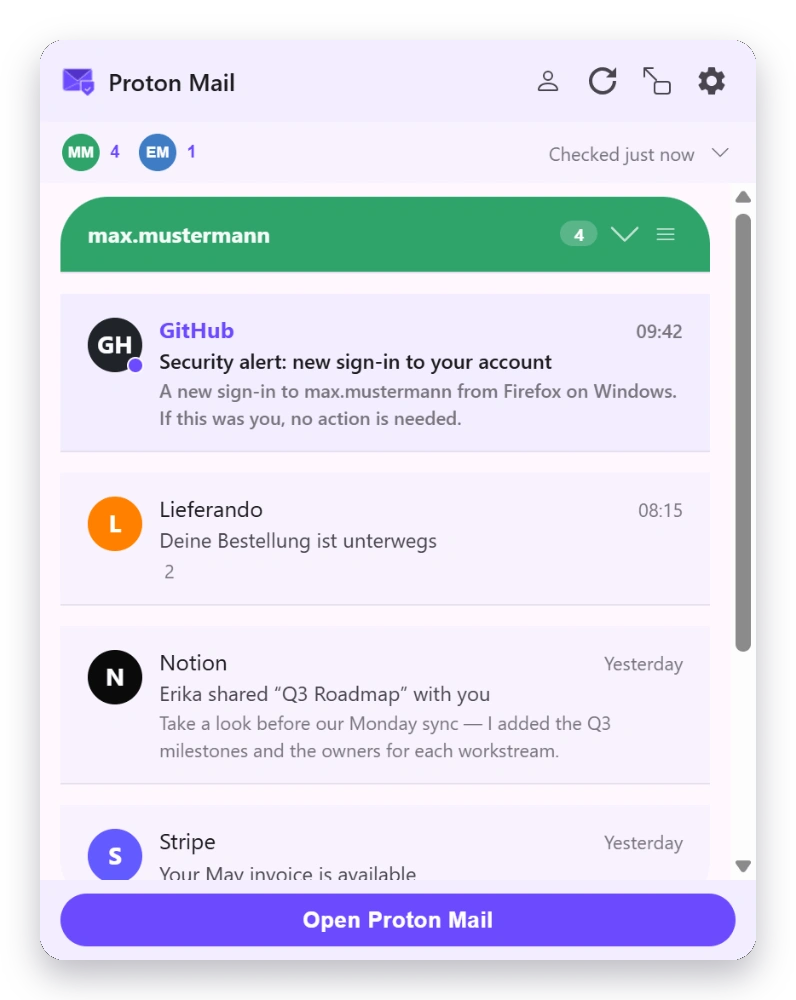
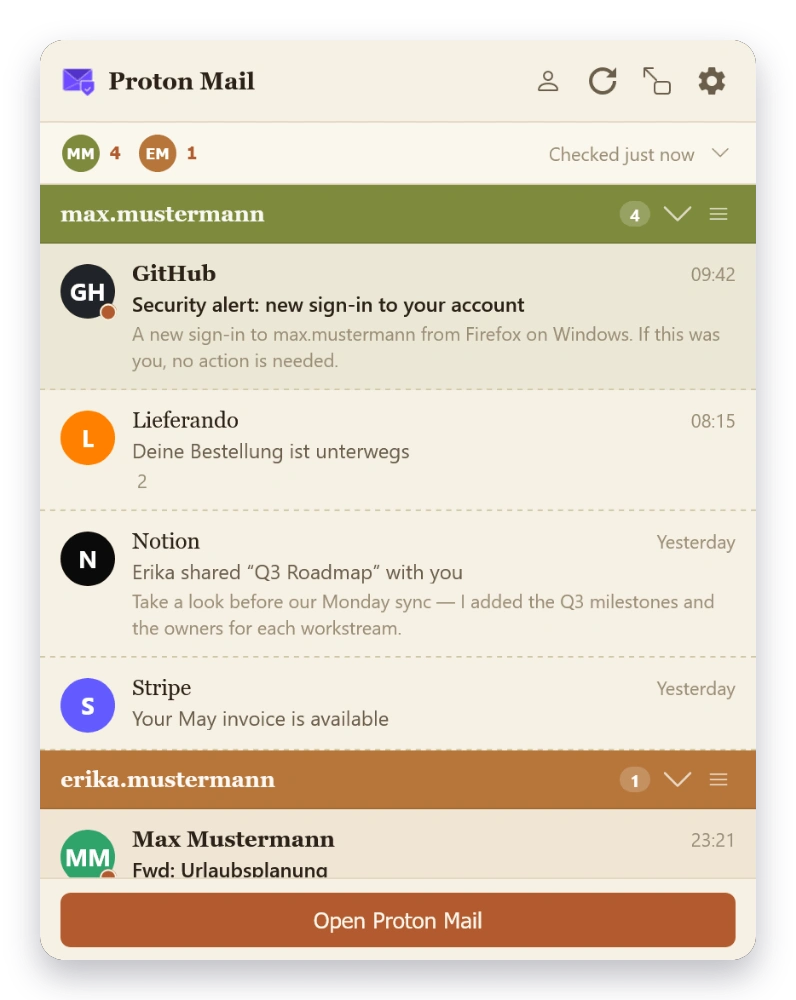
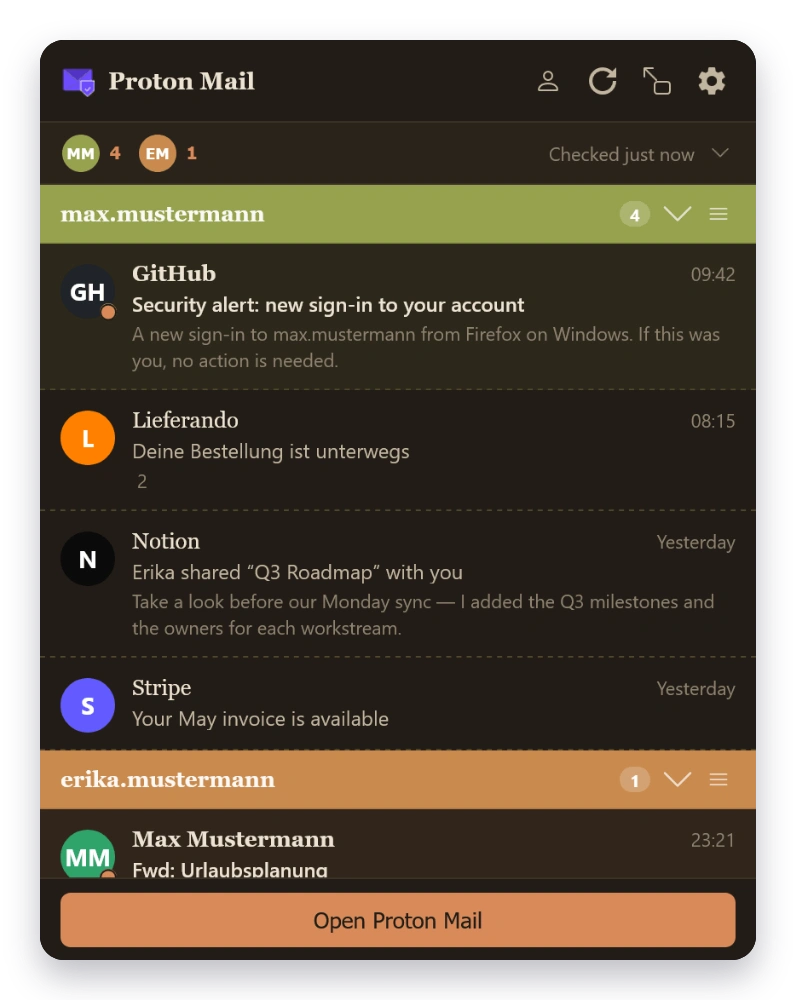
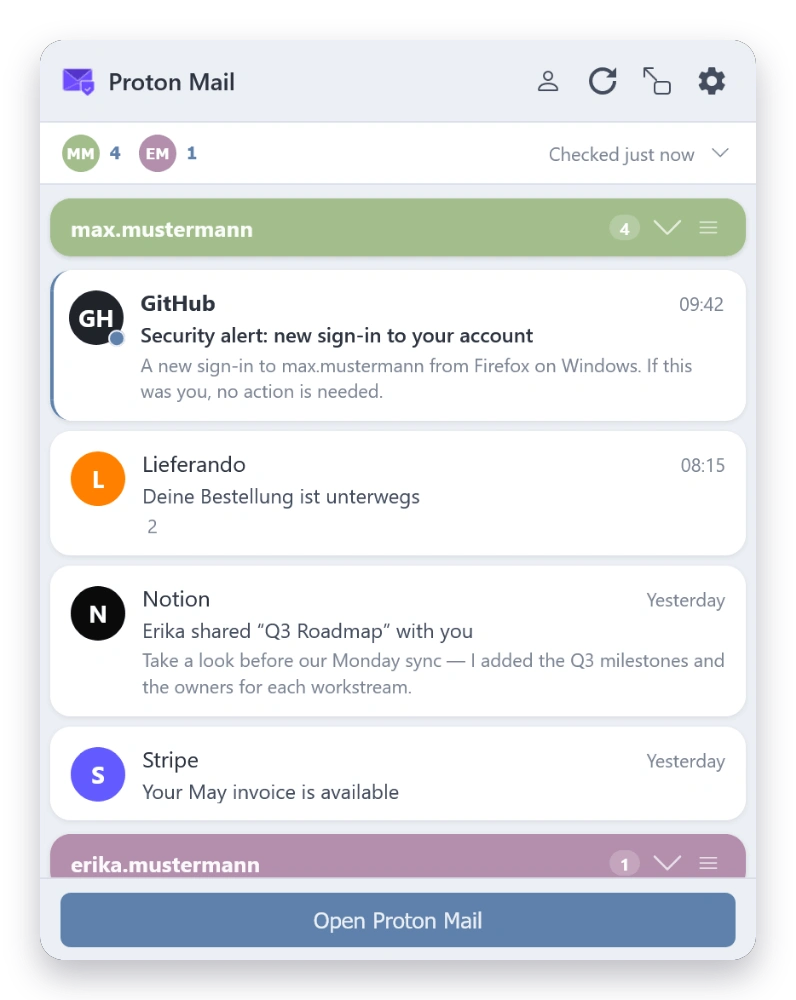
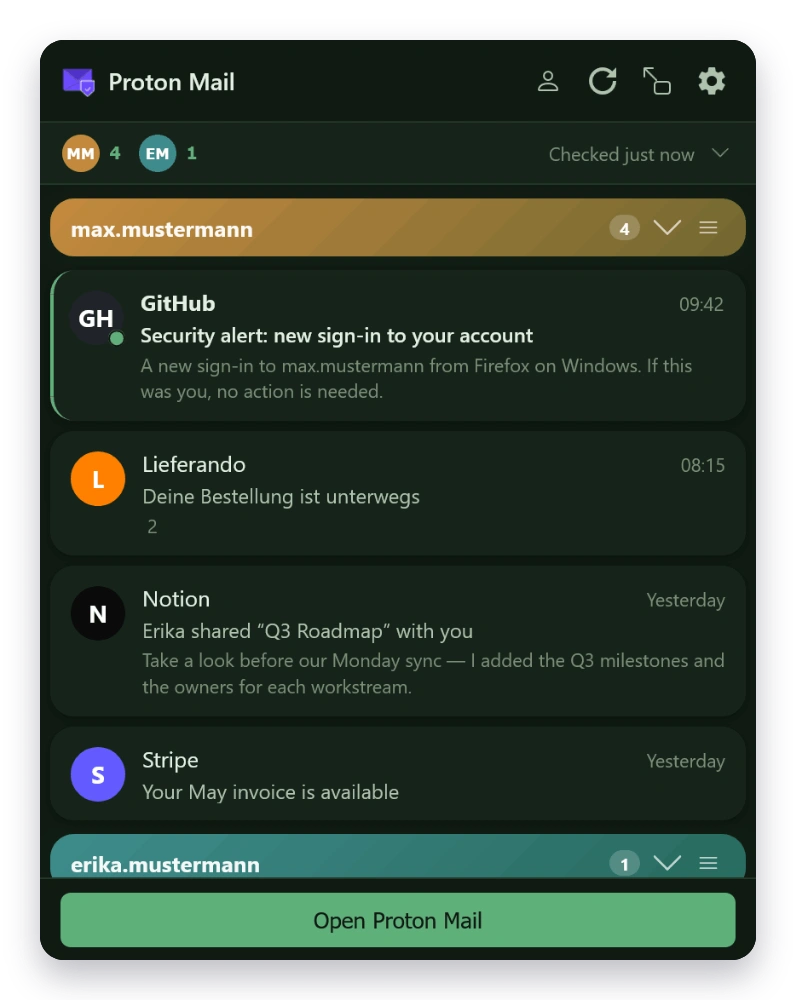
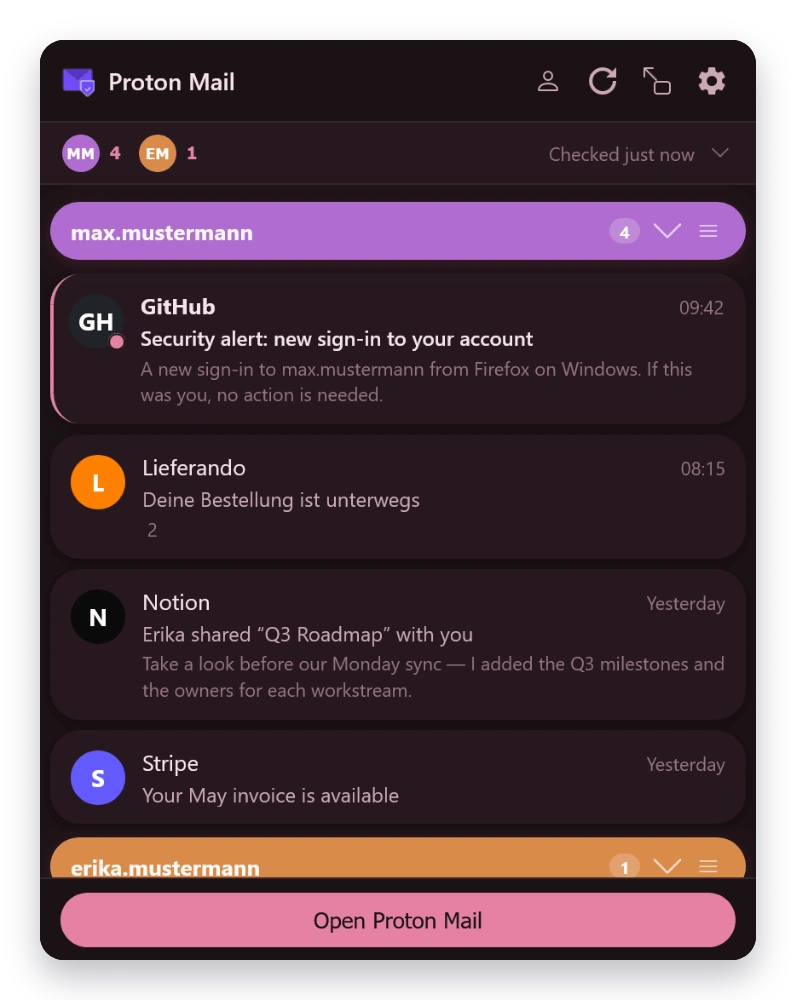
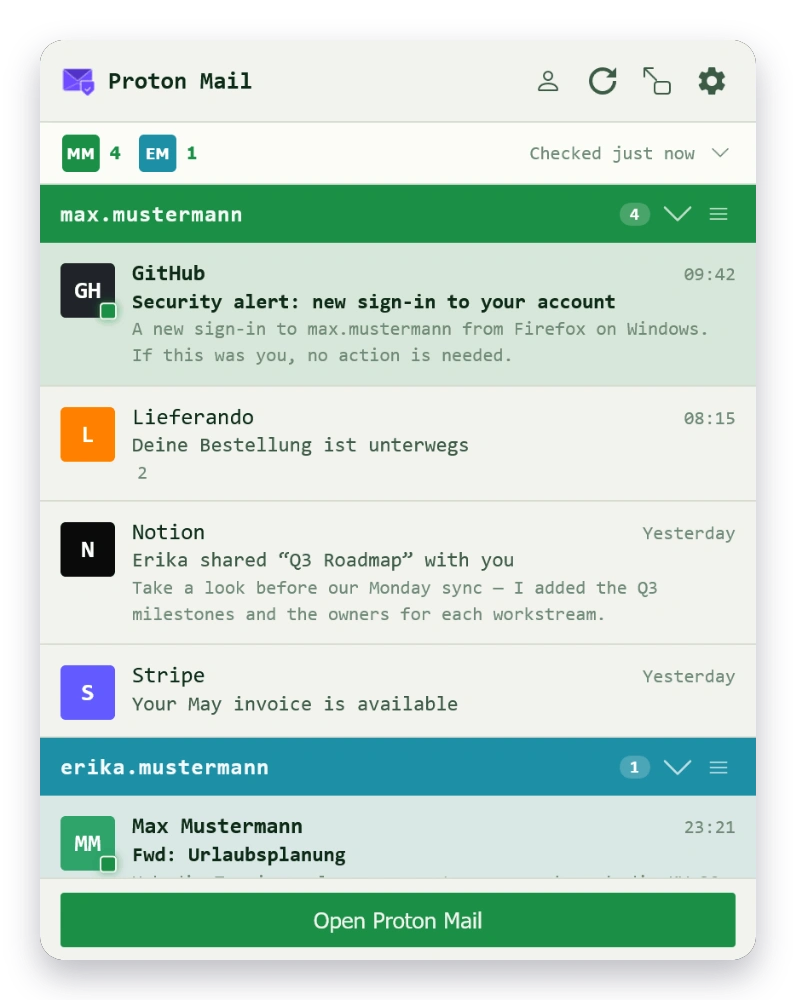
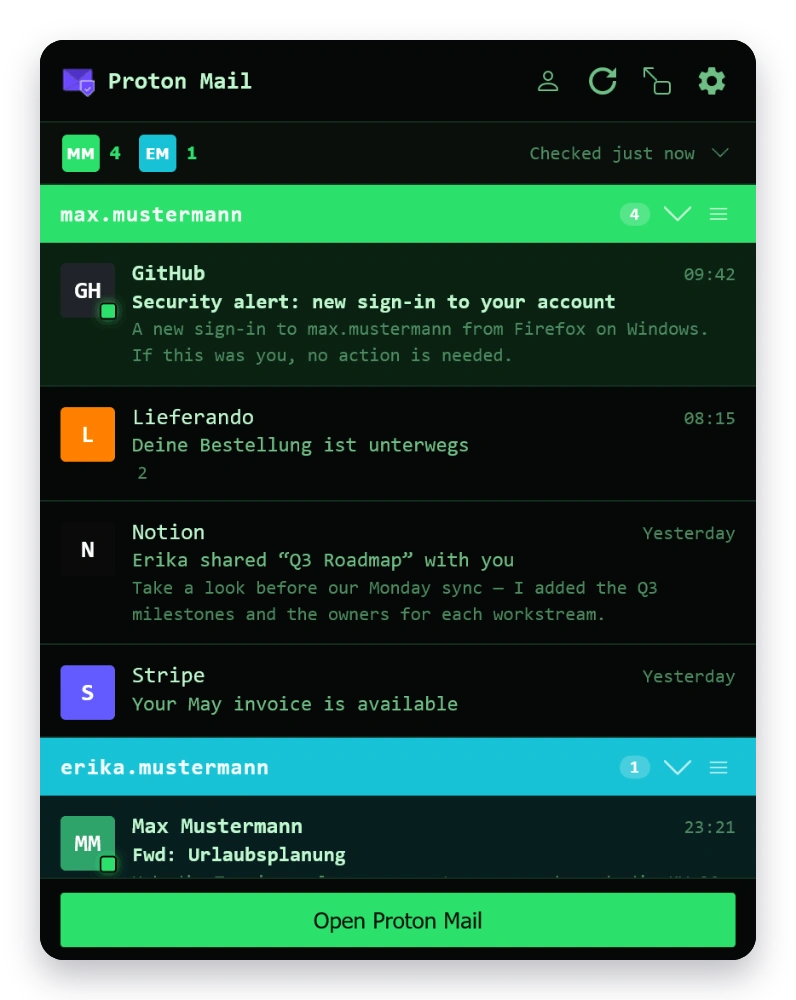
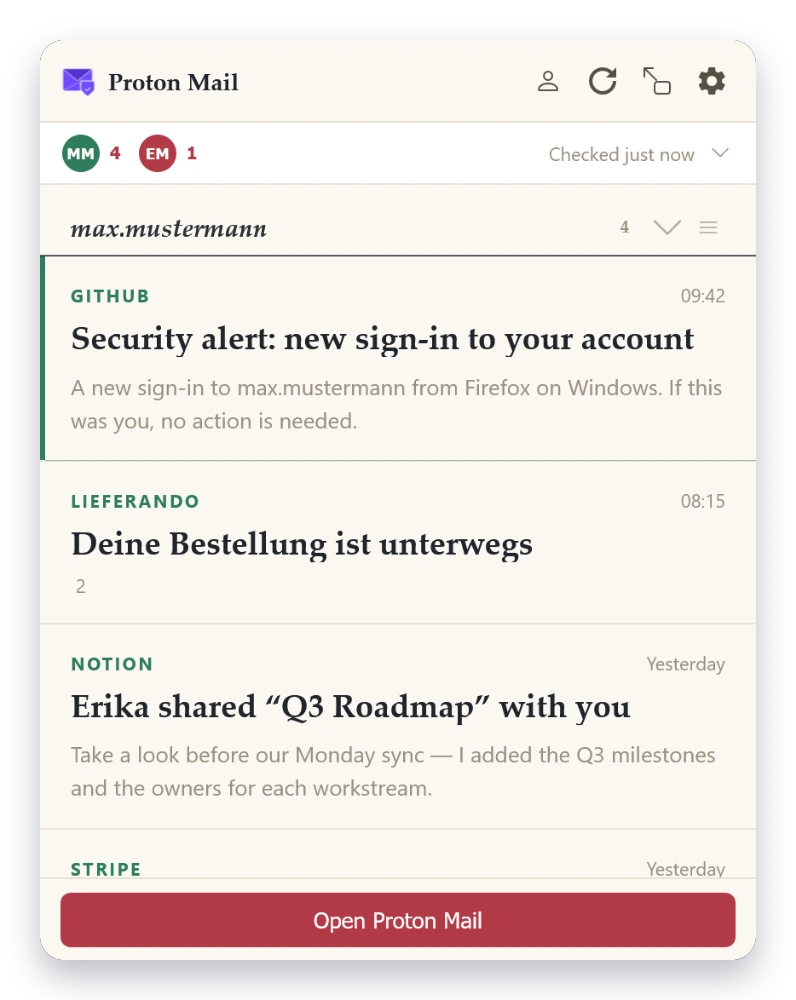
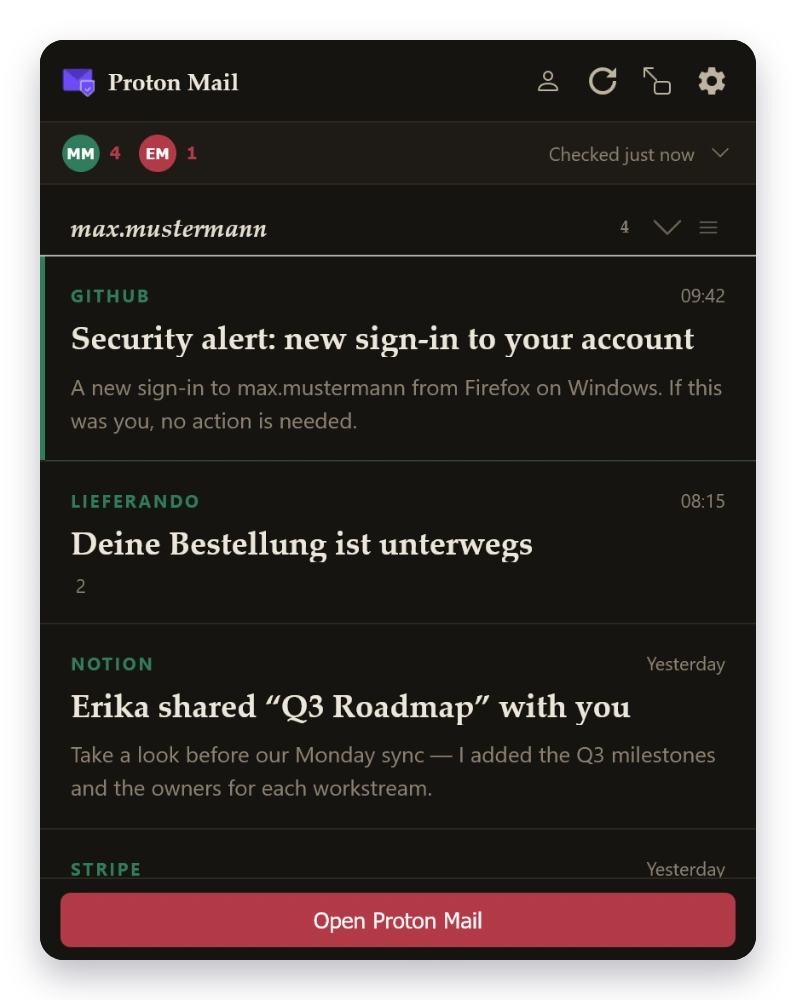
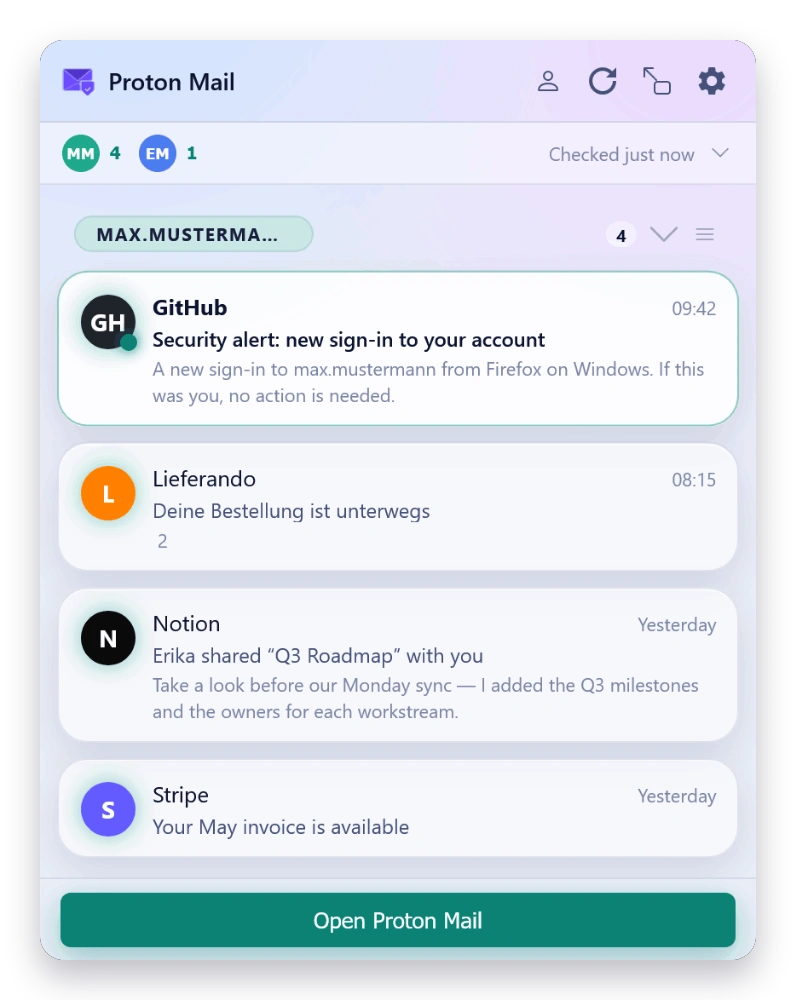
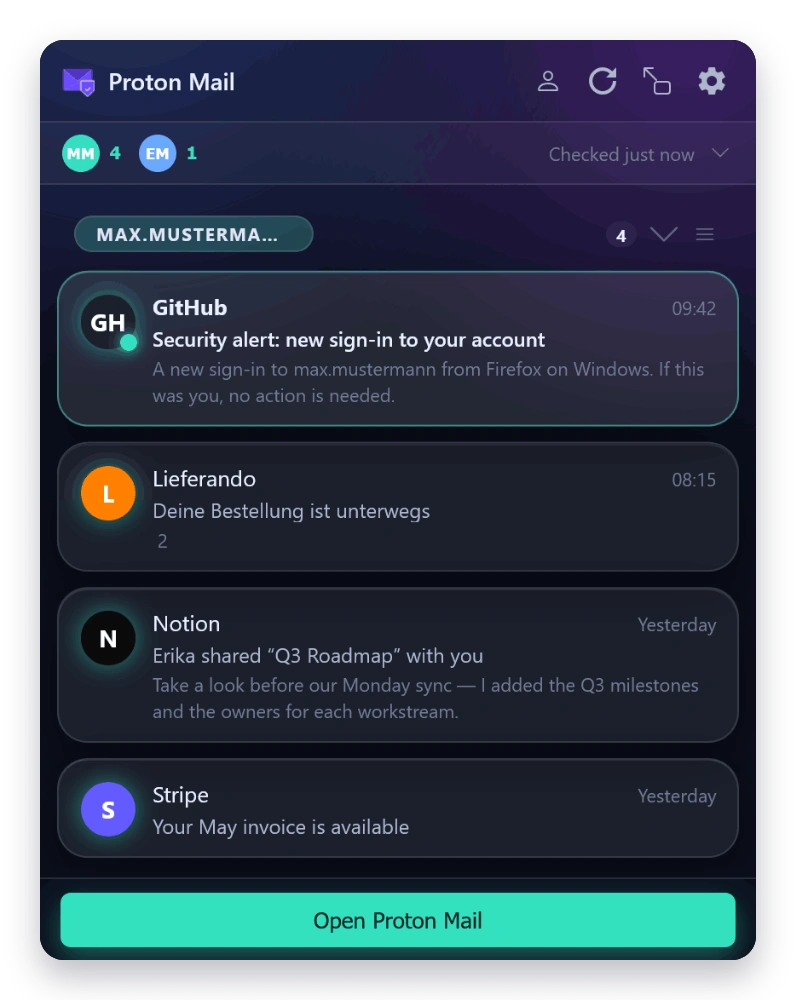
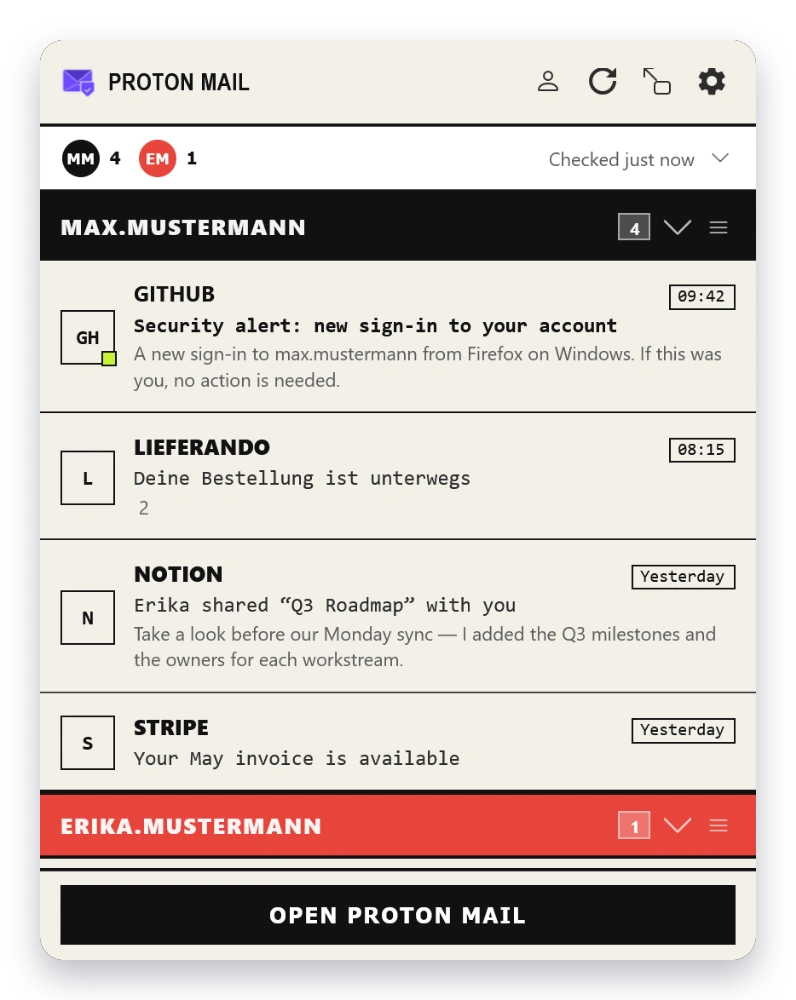
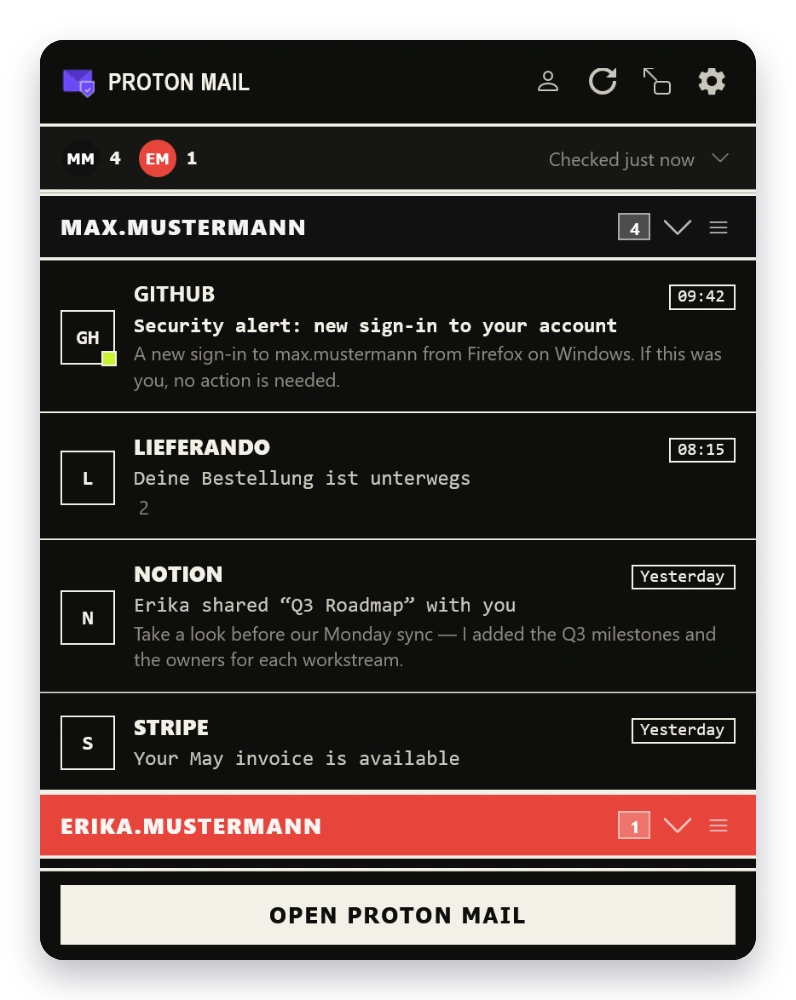
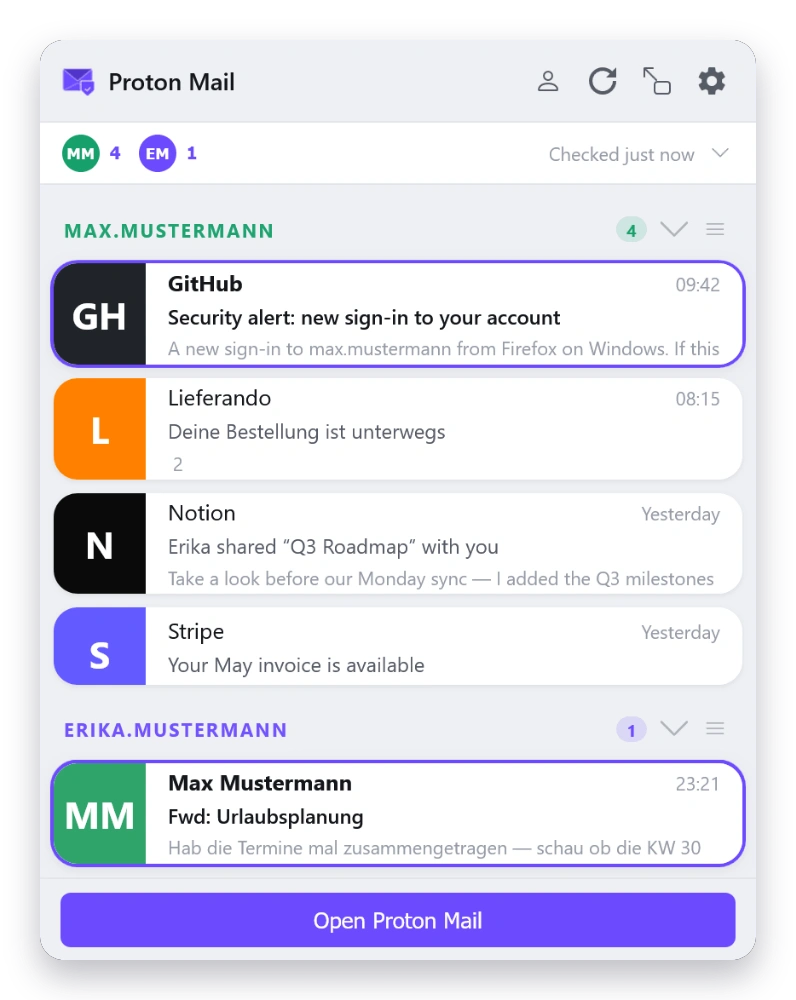
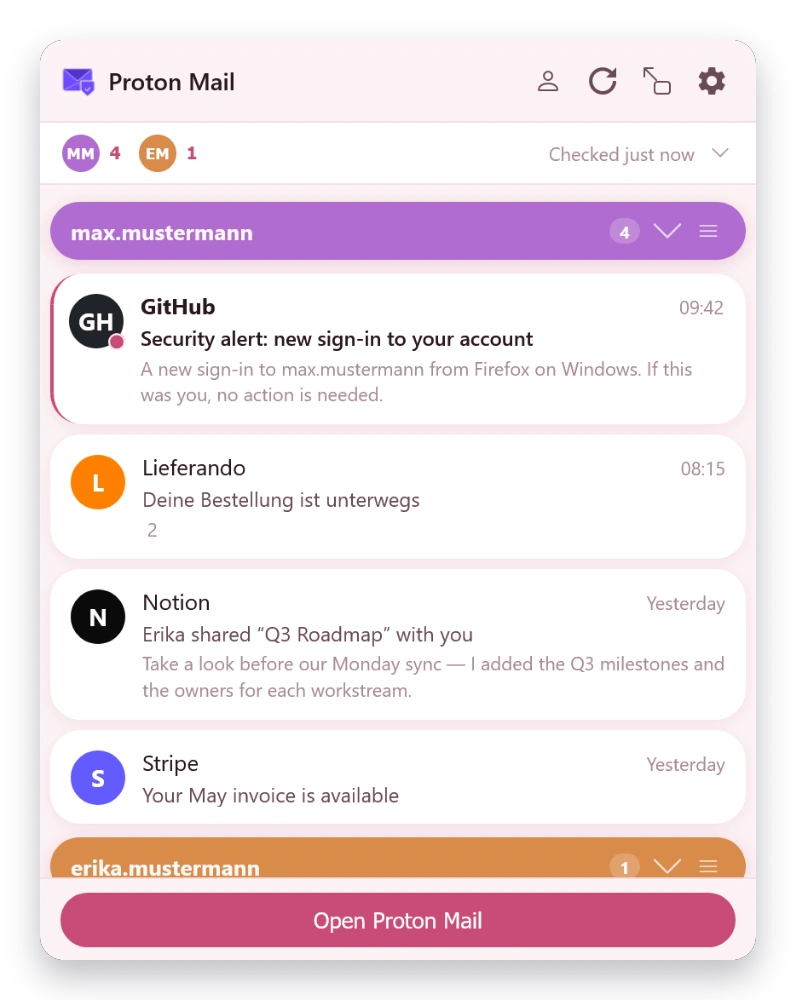
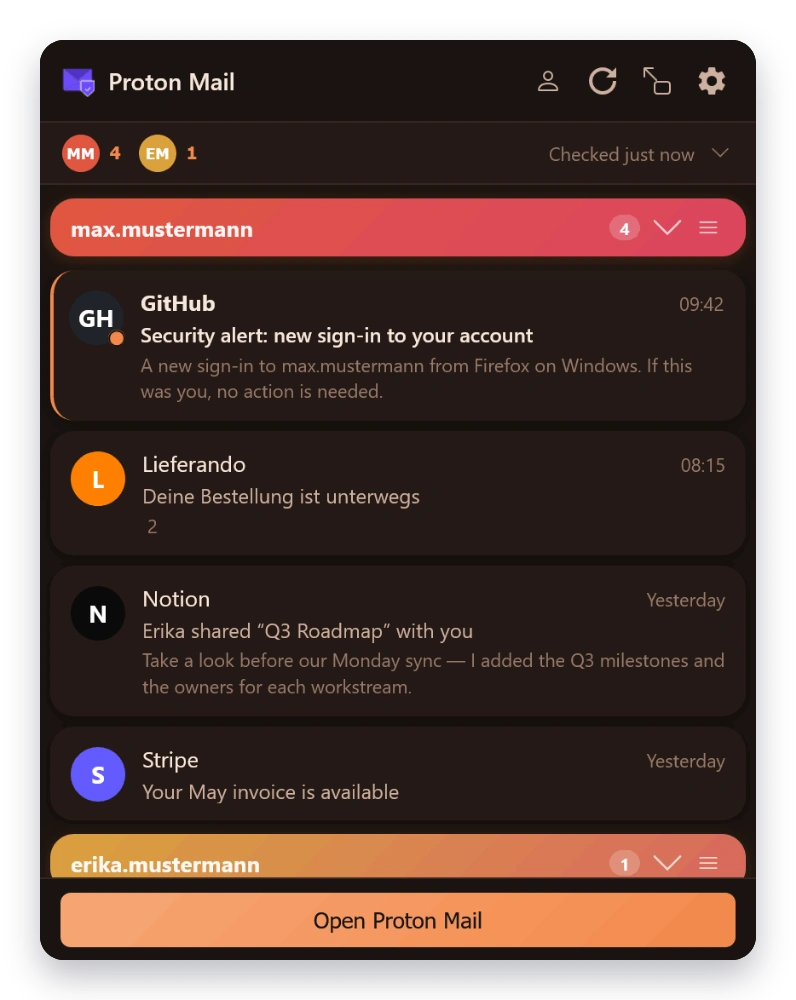
  • Three UI themes: Classic, Modern, Material
  • Light, Dark, and Auto color schemes
  • Adjustable popup width (350–800 px) and height (300–600 px)
  • Pop-out the popup into its own detachable window
  • Display density: Comfortable, Cozy, Compact
  • Custom CSS injection with current-CSS export
08 — Security

Security & Privacy

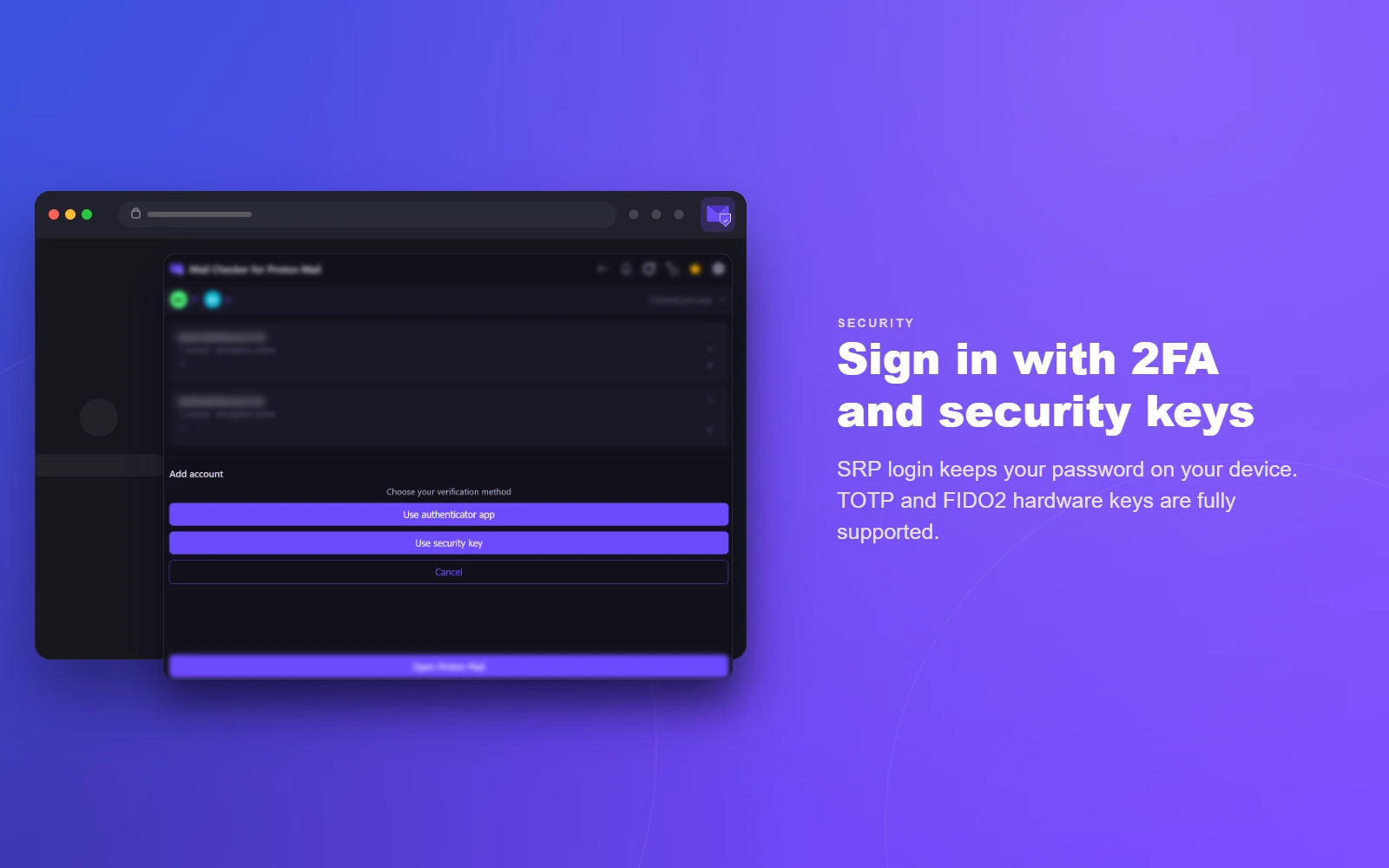
  • SRP authentication — password never leaves your device
  • Two-factor authentication (TOTP) and FIDO2 security keys
  • Two-password account support (separate mailbox password)
  • Show/hide eye toggle on every password field
  • OpenPGP message and attachment decryption
  • Encrypted session keys stored in browser
  • Communicates only with *.proton.me
09 — Behavior

Automation

  • Auto-mark-read on preview, reply, archive, delete…
  • Auto-advance to next message after action
  • Cross-account and wrap-around navigation
  • 12- or 24-hour time format
  • Adjustable polling interval (30 s – 60 min)
  • Automatic background sync via Proton’s event system
10 — Languages

Languages & Data

  • Translated into 28 languages
  • Settings export & import (JSON)
  • Browser sync for cross-device settings (Firefox sync & Chrome sync)
  • Mailto: handler registration
  • Debug logging for troubleshooting

Data & Encryption

Exactly what lives where.

Here’s what the extension stores, and where. All traffic goes to Proton’s servers except for hCaptcha (during human verification) and a small license-check endpoint for Pro subscriptions. No analytics, no telemetry.

Encrypted on disk

browser.storage.local · AES-256-GCM
  • Mailbox key password (used to unlock your PGP keys)
  • Access and refresh tokens

Plaintext on disk

browser.storage.local
  • Account metadata: email address, user ID, display name
  • Message metadata: unread counts, message IDs, folder state
  • Your preferences and settings

In memory only

Never written to disk
  • Your decrypted PGP private keys
  • Decrypted message bodies and 500-character preview snippets
  • Contact data used for recipient autocomplete (per-account cache, 5-min TTL)
  • Attachments (fetched on demand, never cached)

Security boundary. The encryption key for the at-rest secrets is stored in the same browser-storage area, so this protects against casual profile inspection and accidental exposure in backups, but not against malicious browser extensions or a compromised user profile. If that’s in your threat model, Proton Mail in a private browser profile with only vetted extensions is the stronger choice.
Want stricter isolation? If you’d rather have no Proton data touching local extension storage — or any other link in the chain — use Proton Mail’s web interface directly, which keeps everything in the tab session only. You give up popup convenience in exchange for zero additional trust.


Pricing

Free & Pro.

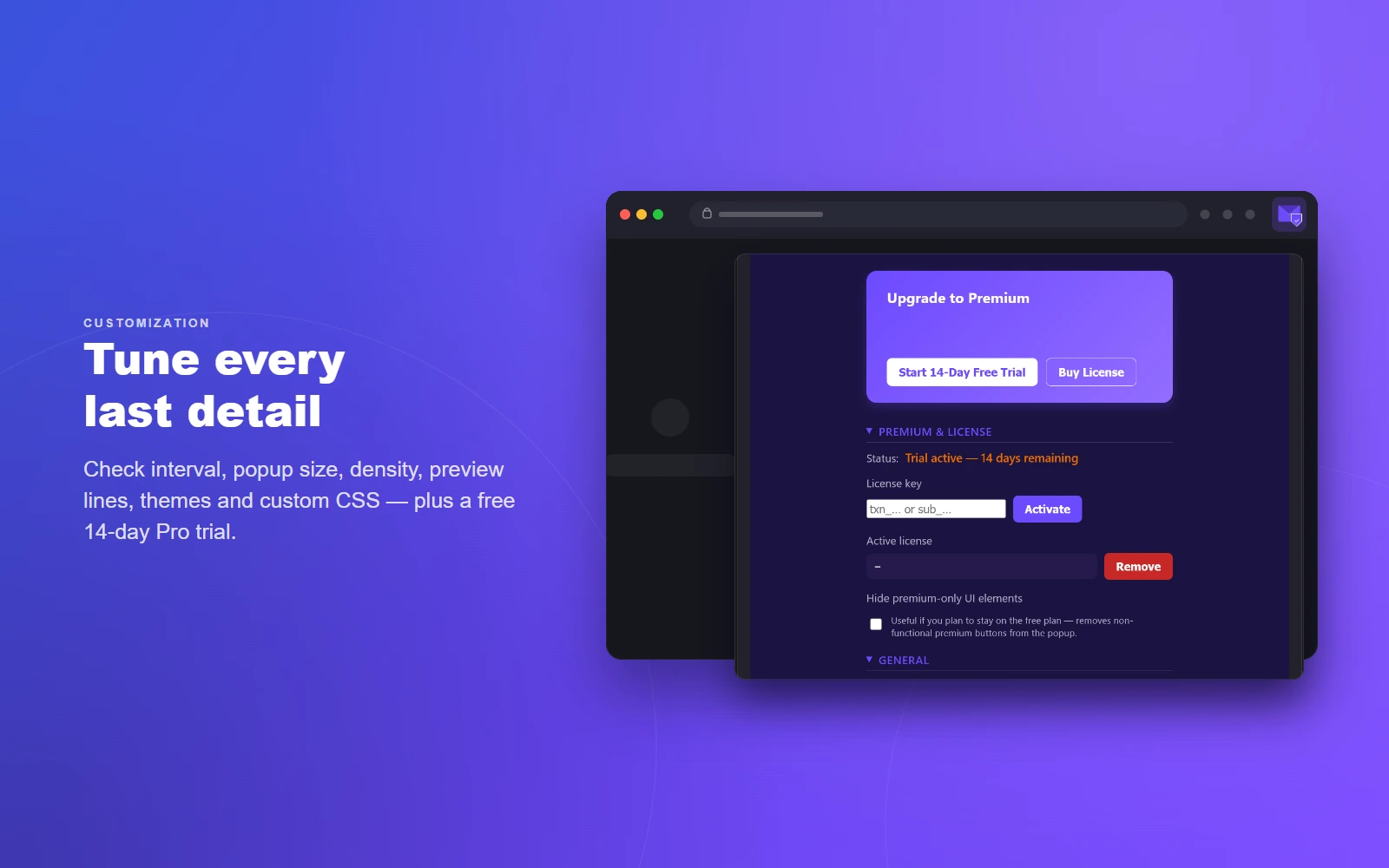
Use the free version indefinitely or upgrade to Pro for the full experience.
Free

€0

Includes a 14-day Pro trial — try every feature first

  • Single Proton account
  • Unread count badge & message list
  • Message preview (plain text only)
  • Basic desktop notifications
  • Default theme only
  • End-to-end encryption

One subscription is for a single person. For team, family or business use, contact me. Payments processed by Paddle.com, our Merchant of Record.

Get in touch

Direct, personal support.

Replies are personal — no ticketing systems, no chatbots.

Please include the extension version (Settings → About) and your Firefox or Chrome version when reporting bugs.


Also from olausson.de

Sync Provider for Proton

A native Android sync adapter for Proton Contacts and Proton Calendar — fully encrypted, works with every app on your phone.

Read more